
In this article
Brought to you by WorkTime, a trusted provider of non-invasive monitoring solutions that keep teams productive and privacy protected in the era of remote work.Home feels safe, but WFH privacy is full of surprises. Over the years, we’ve seen countless “oops” moments that highlight just how easy privacy slips can be. Notifications pop up, files go to the wrong place, and small mistakes can become big embarrassments. Let’s dive into the most common WFH privacy fails and how to make sure they don’t happen to you.
1. That one notification everyone wasn't supposed to see
You think you’ve got everything under control for a big client demo. Laptop charged, slides ready, coffee within reach. And then - bam - a WhatsApp notification pops up on the shared screen: “Don’t forget cat food and litter!!! 😡” Suddenly, everyone at the meeting goes silent… Yes, the one that absolutely wasn’t meant for corporate eyes. You try to keep a poker face, but your professional image just took a hit. And it’s not the only time notifications go wrong while WFH. We’ve already explored the top remote-work privacy failures in 2026.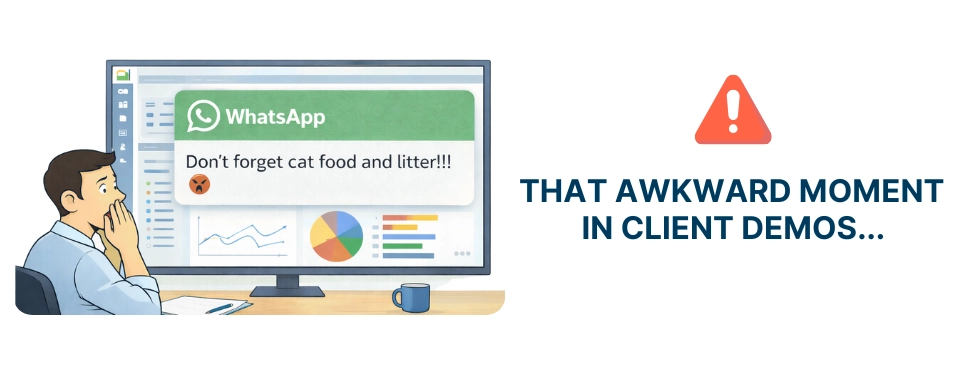
2. Oops - the wrong screen shared!
You think you’re just sharing a single browser tab. But one wrong click later, and your entire desktop is on display. That’s exactly what happened to a bank employee in a client meeting: instead of the carefully prepared spreadsheet, her personal Gmail inbox appeared for everyone to see.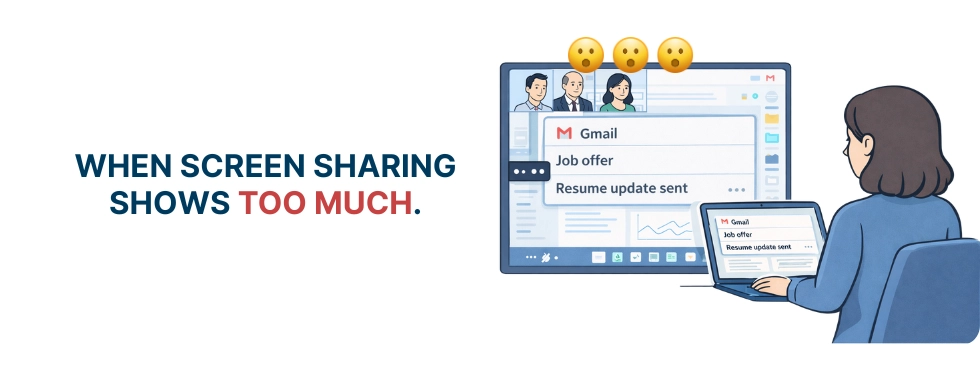
3. When your speakers are muted… but your mic isn’t
Just another meeting. Sarah’s already exhausted from hours of listening to her manager. When her husband walks in, she hits “mute,” confident her mic is off. Feeling safe, she leans back and complains, “I don’t understand why we have to waste time on these dumb reports.” Except - oops - her teammates hear every word. Silence. Awkward coughs. Her private critique is now very public.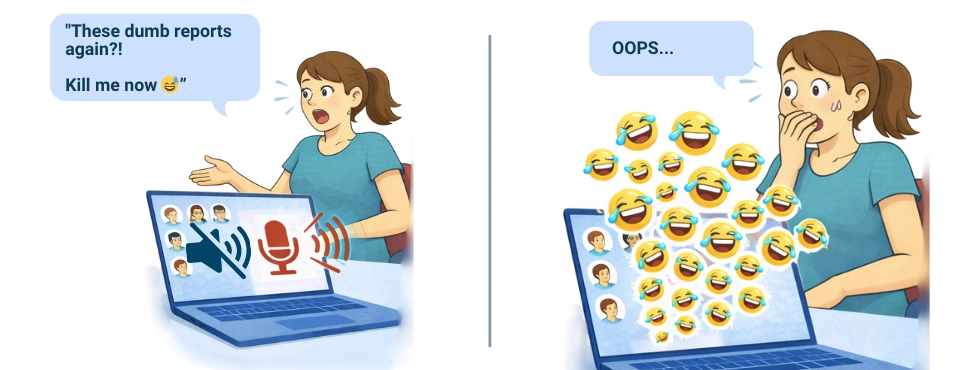
4. You silenced the phone, but NOT the mic
What else can go wrong when you hit “mute”? Enter the classic “silent mode isn’t mute” scenario. Silent mode on your iPhone doesn’t mute your mic in Google Meet. One remote worker found this out on a quick drive. He assumed her conversation was private. Meanwhile, his team got an unexpected live broadcast from the car: directions, commentary, and every side remark meant only for the passenger seat. Every “ugh, traffic” and “what now?” became group entertainment.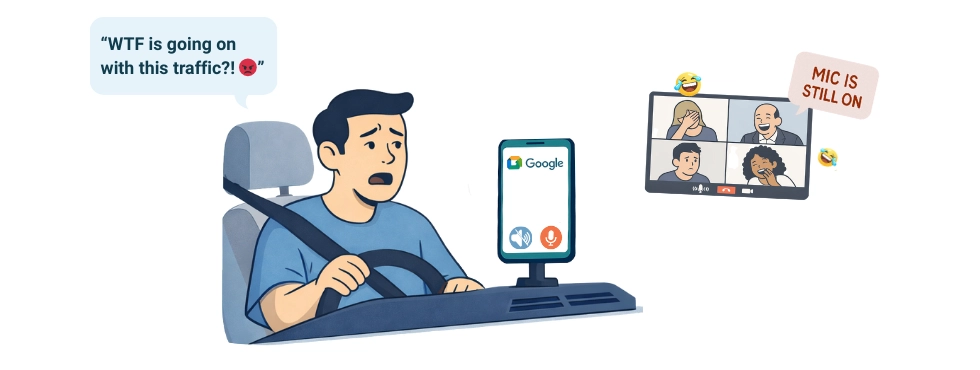
5. Half-closed MacBook, but not half-muted mic
People think that half-closing a MacBook magically stops everything, including the screen, camera, and microphone. Spoiler alert: it doesn’t. But John, a work-from-home designer, had no idea and assumed he could multitask safely without anyone seeing or hearing him. Leaned back, grabbed a snack, and started sketching ideas for his next project. Seven minutes later, he noticed a sudden silence on the call. Confused, John froze. Had the connection dropped? The horrifying truth hit him. His microphone had been live the entire time! Every crunch of his snack, whispered comment, and frustrated sigh had been broadcast.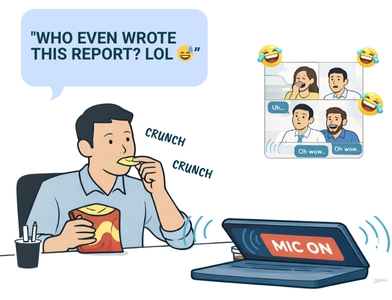
Even a tiny oversight, like leaving your MacBook half-closed, can wreck your professional image. Just like in John’s case - he was eager to impress as a new hire, trying to show focus and professionalism. But instead, he became the unwitting star. Want to keep your own “oops” moments private? Don’t forget to close your MacBook fully or hit the mute button.
6. When your camera turns on too early
You know that tiny pause when you join a Zoom call and think you still have a second? Camera’s off, plenty of time to straighten your shirt and fix your hair. Except Zoom has other plans. You click “Join,” glance down for half a second, and your camera switches on early. Suddenly, everyone sees the unfiltered, behind-the-scenes version of you. Oops! Nothing terrible happened, but it’s enough to leave you confused.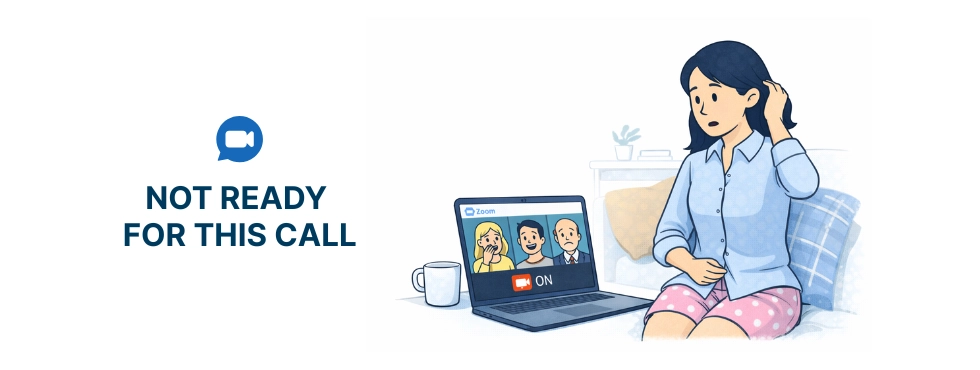
7. Kids are yelling in the background - and it’s Zoom with your clients
Every parent working from home knows the reality: no matter how professional you try to be, tiny coworkers don’t care! There are countless viral videos of toddlers interrupting video calls in the most embarrassing and hilarious ways. One moment you’re presenting to a client, the next your child runs into the frame shouting something extremely personal.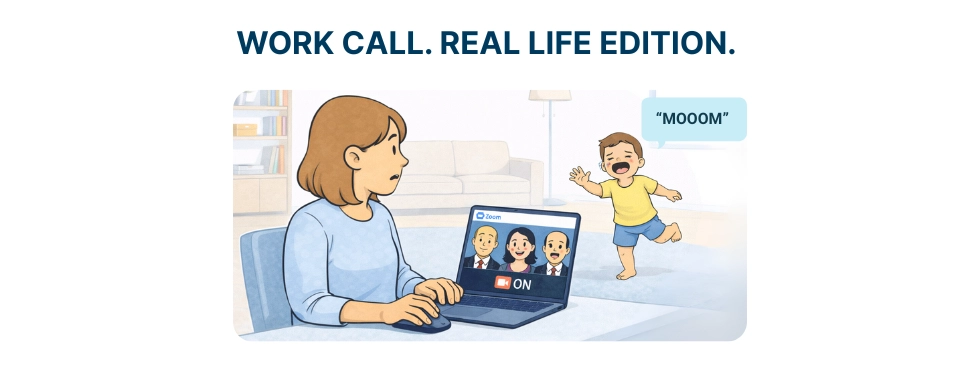
8. One cloud sync - and your private doc is everywhere
One misclick, and suddenly your private file isn’t so private anymore. Cloud syncing works fast, sometimes too fast. And before you know it, people who shouldn’t have access can see the document. That’s exactly what happened when one intern accidentally uploaded a confidential HR salary list into a public department folder. Within seconds, sensitive information was visible to the entire department.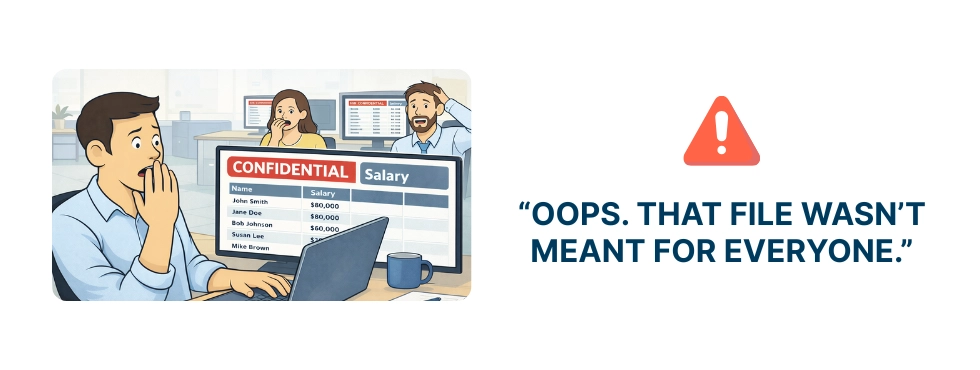
9. Shared AI access exposed client info
AI tools can be incredibly helpful, but sometimes they backfire. One wrong setting or shared workspace, and your private prompt isn’t so private anymore. The employee discovered his draft containing clients’ sensitive health information, meant only for internal work, had suddenly appeared in the company’s shared AI workspace. The entire team could see it in another prompt.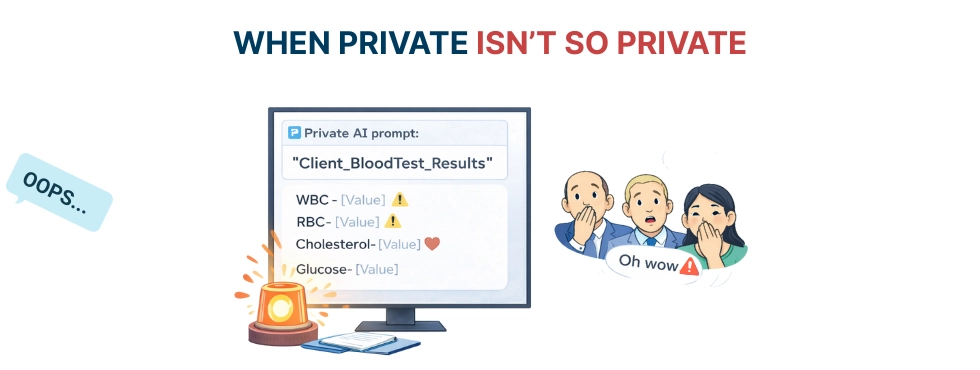
10. A “free PDF converter” reads all your tabs
Sometimes “free” comes with a hidden cost. A PDF converter extension promised to make life easier, but quietly scanned every open tab in the browser. At a financial institution, this had serious consequences. Internal URLs suddenly left the safety of the company network. Employees hadn’t clicked on anything suspicious. They simply trusted the tool to do its job. Yet sensitive project links were exposed, all because the extension had far more access than anyone realized. A common remote-work risk: installing tools without checking access. One quick permission check can save a lot of trouble.11. Old VPN logged everything - and exposed privacy
After months of working from home, people feel safe, maybe even a bit too relaxed. That’s when most privacy mistakes happen, and they can create big headaches. The common misconception is that VPN equals full privacy, but that’s not always true. Outdated VPNs can log websites, URLs, and even client names. One consultancy discovered sensitive client data showed up in their VPN logs, creating unnecessary risk. The solution is simple but essential. Keep your VPN software up to date, review logging policies, and ensure your team understands what their VPN actually protects and what it doesn’t.12. Oops - screenshot monitoring captured everything
Screenshot monitoring rarely stops at “just work.” In a widely discussed Reddit case, a company streamed live screenshots of employee desktops on a shared office TV to encourage transparency. Instead, it publicly revealed salaries, private medical data, internal conversations - and even a Social Security number. The aftermath included lawsuits, regulatory trouble, and over $100,000 in legal costs.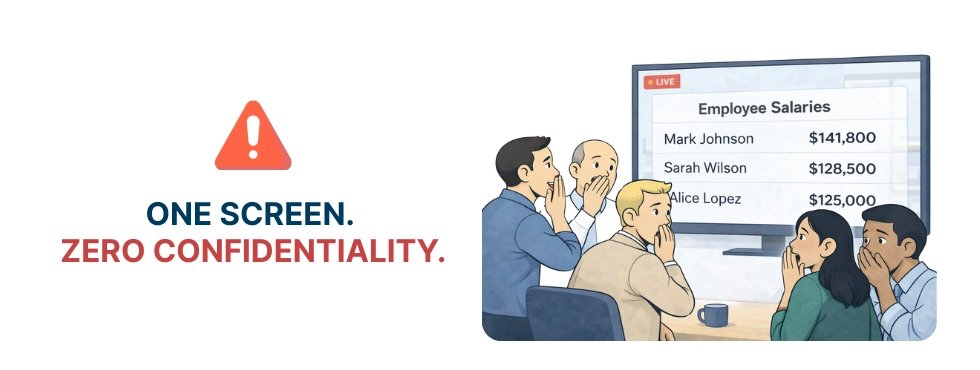
13. Screen recording without warning - health data leaked
Ever wonder if your video session is being recorded without you noticing? One startup got the unpleasant answer when audit logs captured employees’ browser tabs, including private health searches. Suddenly, information meant to stay private was sitting in company records. It’s a stark reminder: invasive monitoring can backfire. The key to avoiding privacy disasters is transparency. It keeps productivity high and avoids turning your monitoring into a source of office horror stories. With WorkTime’s privacy-friendly monitoring, you can track productivity without compromising trust - try it now!


14. Discord trap - someone was listening, but you just didn’t see them
Ever assume that only the people you see on a call are actually listening? On Discord and similar platforms, that assumption can backfire. One real-life case involved a silent participant overhearing private discussions, sensitive info, and offhand comments, all without anyone noticing!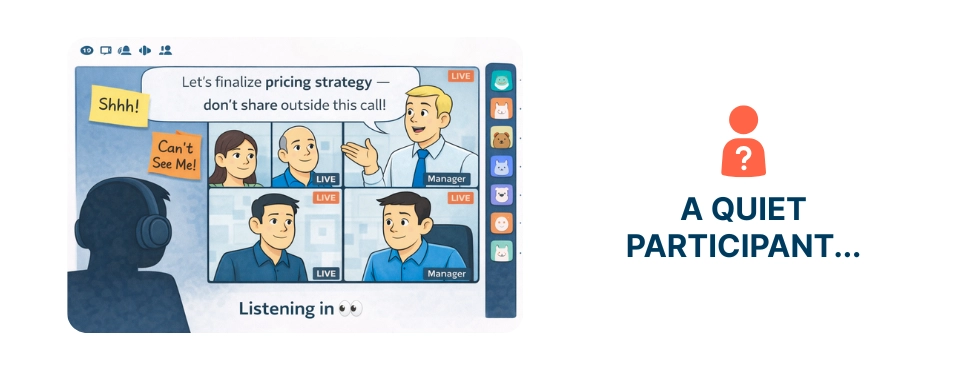
15. Oops - message pasted in the wrong chat
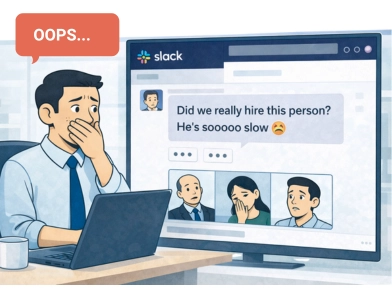
We’ve all been there - pasting something quickly and realizing too late that it went to the wrong chat. Usually, it’s harmless. Sometimes, it’s painfully personal. One manager accidentally pasted private messages about his trainee into a project chat. Suddenly, the team could see lines like: “I can’t imagine that John is so dumb 😳he still hasn’t finished the project!” What was meant to be private venting instantly became office gossip.
Key takeaways from WFH privacy oopses
Privacy mistakes can happen to everyone working from home. The key is to stay aware. Double-check what you share, keep personal and work chats separate, and be mindful of microphones, cameras, and any tools that access sensitive data. Stay aware, stay safe, and keep work productive - with WorkTime!P.S. To be continued… Don’t miss our next article to discover how one careless notification can ruin your career.