


TL;DR
- Time Doctor is built for oversight, Clockify for logging hours. Time Doctor uses screenshots and activity tracking. Clockify uses start-stop timers and manual timesheets.
- Clockify's free plan is no longer unlimited. As of April 2026, the free tier caps at five users and dropped features like billable hours and CSV exports. Older comparisons still show the outdated version
- Time Doctor has no free plan. It offers a 14-day trial only. It does not publish a flat rate, but independent comparisons put paid plans at around $7 per user per month and up, billed annually.
- WorkTime unites powerful productivity analytics with a privacy-first monitoring approach. It provides the workforce visibility managers need while avoiding screenshots, keystroke logging, and other invasive monitoring practices.
In this article
The article is presented by WorkTime, helping organizations create more productive workplaces with actionable insights, privacy-first analytics, and transparent employee monitoring.
Time Doctor vs. Clockify at a glance
Time Doctor is the accountability tool, and Clockify is the budget time tracker. Here is where each one leads before we break down the details.| Feature | Time Doctor | Clockify |
|---|---|---|
|
Best for |
Teams that want oversight and accountability |
Freelancers and small teams tracking billable hours |
|
Tracking method |
Automatic tracking with screenshots and activity levels |
Manual start-stop timer or timesheet entry |
|
Screenshots |
Yes, standard |
Optional, on higher paid tiers only |
|
Employee monitoring |
Deep: screenshots, web and app usage, activity |
Light: timers, optional GPS on paid plans |
|
Free plan |
None (14-day trial) |
Yes, capped at 5 users as of April 2026 |
|
Starting paid price |
From about $7 per user per month |
$4.99 per user per month |
|
Reporting depth |
Productivity ratings, timelines, AI benchmarks on top tier |
Timesheet, project, and billable-hour reports |
|
Payroll and invoicing |
Built-in payroll for contractor payments |
Built-in invoicing |
|
Integrations |
60+ from the Standard tier |
80+ across most plans |
|
Compliance modes |
Not offered |
Not offered |
|
Ideal team |
Agencies, BPOs, contractor-heavy teams |
Solo users, small agencies, budget-first teams |
How each tool tracks time
The core split is automatic monitoring versus manual timing. Time Doctor runs in the background and records what happens on the computer. Clockify waits for the user to press start. Time Doctor tracks automatically once it is installed. It takes periodic screenshots, logs keyboard and mouse activity, and records which apps and websites employees use. Managers can run it in silent or interactive mode. The point is oversight: seeing what work looks like, not just how many hours were logged. Clockify works the other way. Employees start and stop a timer or fill in a timesheet by hand. There is an optional automatic tracker, and screenshots exist only on the Pro and Enterprise tiers, so Clockify is not a pure "no monitoring" tool. Its default job is measuring project time for billing, not watching the desktop. This is where a third path exists. Productivity analytics and monitoring do not have to mean screenshots. A tool can measure active time, app usage, and focus without capturing what is on the screen. That is what non-invasive monitoring does.Employee monitoring and screenshots
Time Doctor's monitoring is its main feature and its main friction point. Screenshots are the reason many employees push back. Time Doctor captures periodic screenshots, activity levels, and web and app usage reports. Its Premium tier adds Mouse Jiggler and Clicker Detection plus an Unusual Activity flag, built to catch employees faking movement. That tells you what kind of tool it is: one designed on the assumption that people will try to game it. Employees notice. On review sites, the screenshots draw repeated complaints about being intrusive, and the questions people ask most about Time Doctor are about detecting mouse jigglers and bypassing the software. When the top searches around a monitoring tool are about beating it, that is a signal about how the tool lands with a team. If you want the full picture on switching, we cover the best Time Doctor alternatives separately.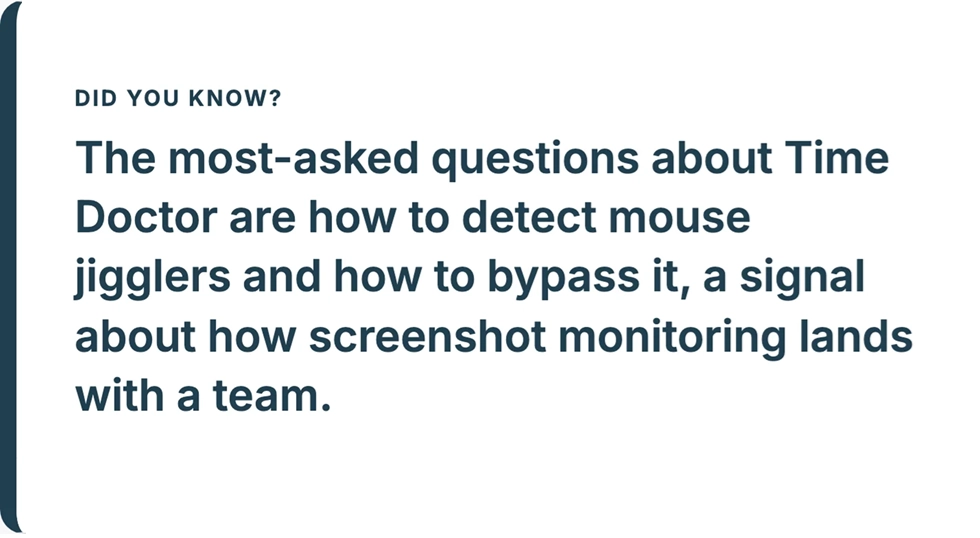
Pricing and plans in 2026
The biggest pricing news this year is that Clockify's free plan shrank. As of April 2026, Clockify capped its free tier at five users, according to the company's own announcement. It was unlimited before. The free plan also lost features, including billable hours, Kiosk mode, and CSV and Excel exports.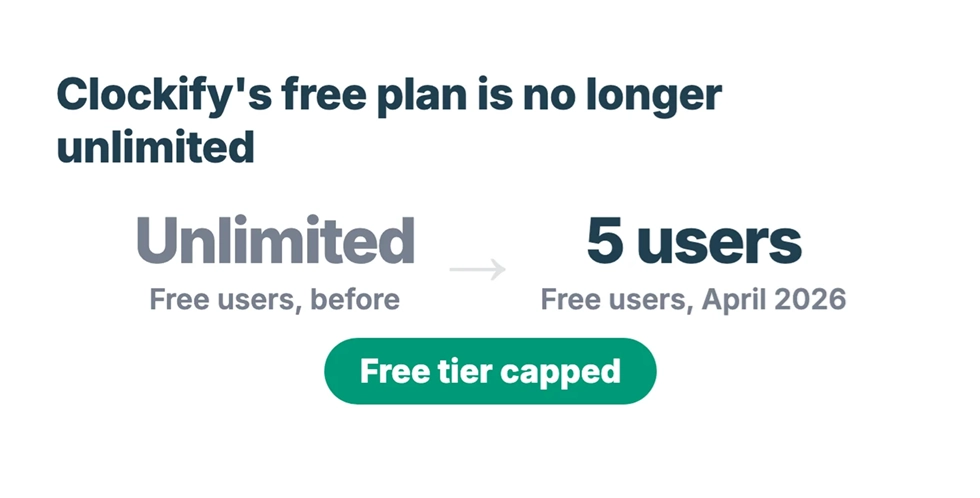
Reporting and analytics
Time Doctor reports on productivity; Clockify reports on time. That is the cleanest way to hold the difference in your head. Time Doctor gives productivity ratings, timeline views, and web and app usage breakdowns. Its Premium tier adds AI benchmarks and an office-versus-remote report. The depth is real, but it is powered by the same screenshot-and-activity data employees resist.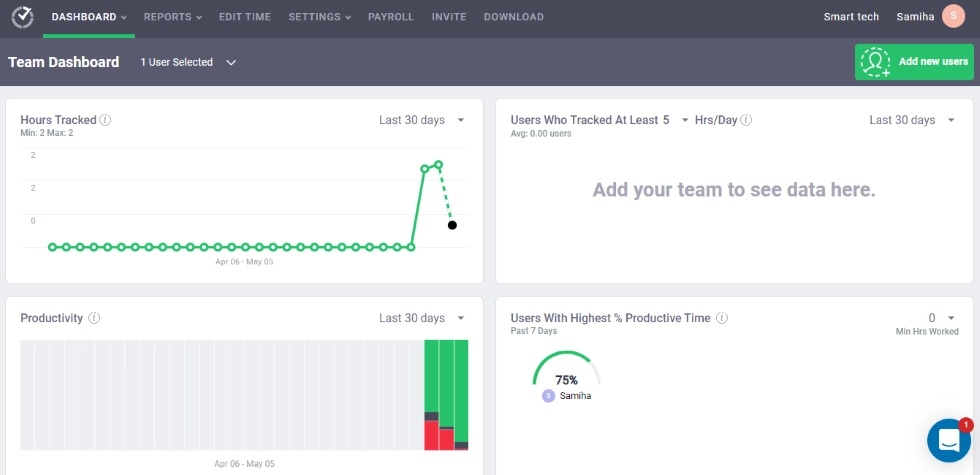
Integrations, payroll, and invoicing
Clockify wins on integration breadth and built-in invoicing. Time Doctor wins on built-in payroll. Pick based on which back-office job is bigger for you. Clockify connects to 80+ apps across most of its plans and includes invoicing, so a freelancer can track time and bill from one place. Time Doctor offers 60+ integrations from the Standard tier, with Jira and Asana on higher plans, plus built-in payroll that pays contractors automatically from tracked hours. If you run a contractor-heavy team and want hours to flow straight into pay, Time Doctor's payroll is the stronger fit. If you send client invoices, Clockify's built-in billing is simpler.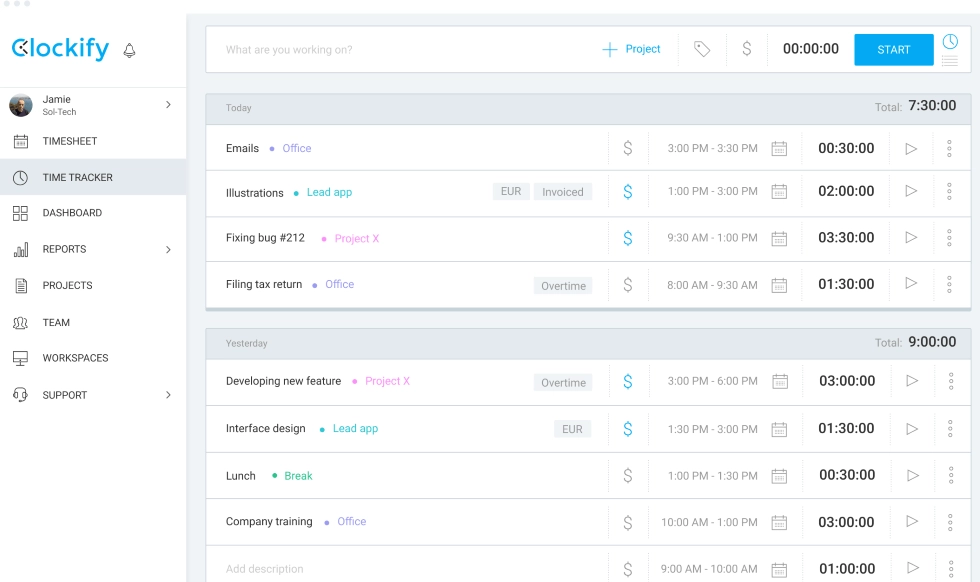
Who each tool is for
Time Doctor fits teams that want accountability and are comfortable with screenshot monitoring. Clockify fits budget-conscious freelancers and small teams that mainly need timers and billing. Choose Time Doctor if you manage a BPO, an agency, or a contractor-heavy team where oversight is the whole point, and employees expect close tracking. Choose Clockify if you are a solo user or a small shop that needs to log billable hours cheaply and can live inside the five-user free cap or its low paid tiers. There is a third buyer neither tool serves well: a company that needs real productivity data but cannot use screenshots. Regulated industries like healthcare, finance, and government fall here, and so does any team where trust with employees is fragile. They need the insight of a monitoring tool without the capture that creates legal and morale risk. That is a different category, and it is worth naming.WorkTime - where productivity meets privacy
WorkTime combines comprehensive productivity analytics with a transparent, non-invasive monitoring approach. Organizations gain meaningful workforce insights without screenshots, keystroke logging, or invasive employee surveillance. WorkTime does not take screenshots, does not log keystroke content, does not record the screen, and does not capture email or chat. What it does do is measure the things that show productivity: active and idle time, app and website usage, attendance, distraction levels, and remote-versus-in-office comparisons. Our screen productivity score measures how actively someone uses their screen without ever capturing what is on it. That is the answer to the feature employees keep trying to bypass.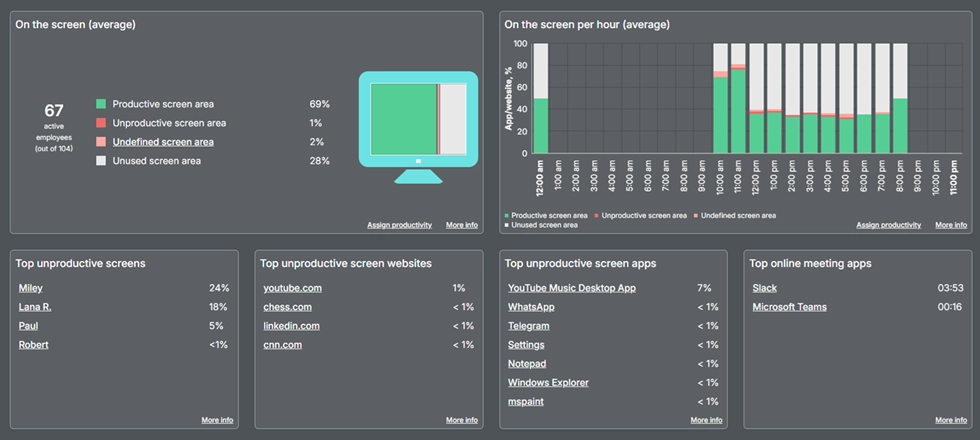
Measure screen productivity through a clear, easy-to-understand productivity percentage.
Book demo
WorkTime delivers actionable insights with transparent, non-invasive analytics - NO screenshots, screen recordings, or spying.
Start free trialInstant increase in active time!
Excellent boost!
Industry
Banking
Employees
170
This UK bank saw a 46% increase in active time within 3 days of non-invasive monitoring! Well done, WorkTime!
Read more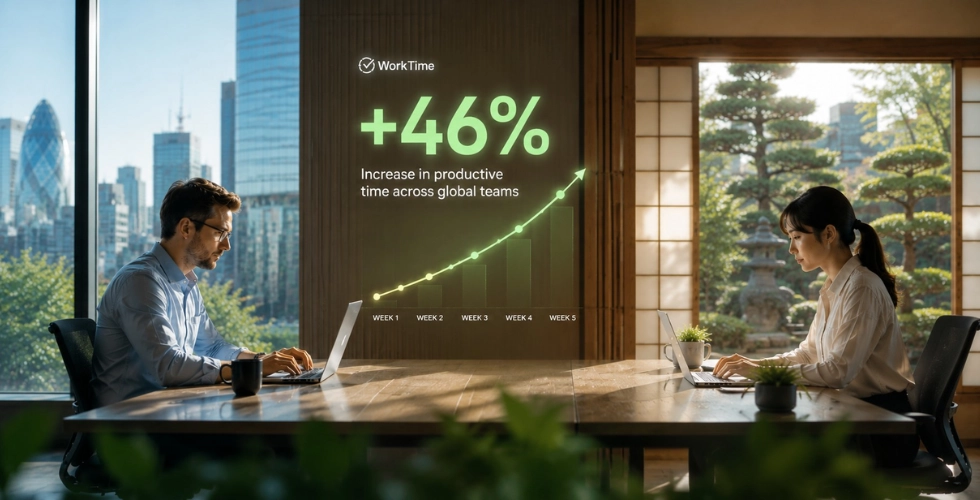
How to choose between Time Doctor, Clockify, and the alternatives
The right tool falls out of four questions about your team, not about the software. More teams face this call every year, with the global employee monitoring software market growing from $1.6 billion in 2024 toward a projected $3.42 billion by 2030. Skip the feature lists and start here.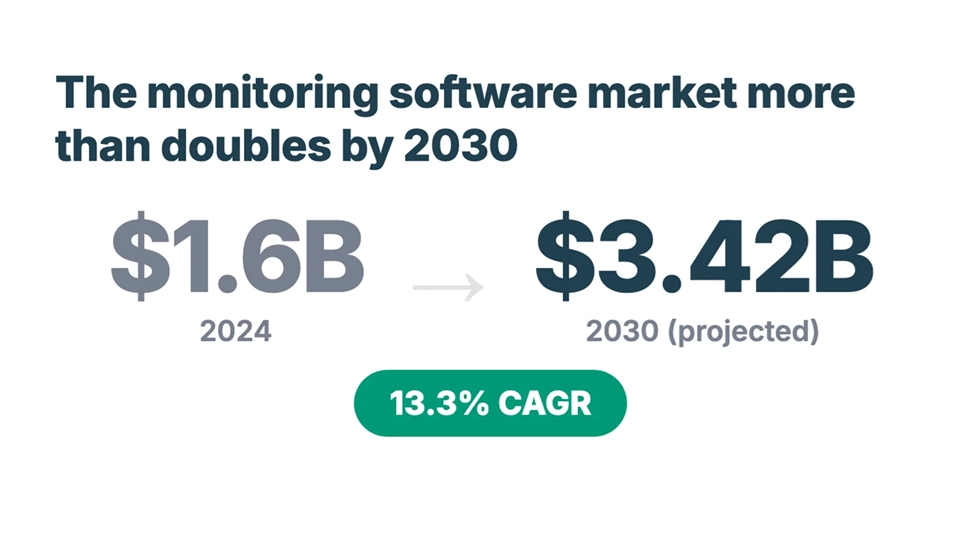
What is the primary job?
If it is control and oversight, Time Doctor is built for that. If it is billing clients and logging project hours cheaply, Clockify is built for that. If it is understanding productivity and where time goes, that is an analytics job, and it points to a non-invasive tool.How sensitive is your data?
If employees handle patient records, financial accounts, or anything covered by HIPAA, GDPR, or GLBA, screenshot monitoring becomes a liability the moment it captures the wrong screen. A tool that cannot capture that content by design removes the risk.How will employees react?
Monitoring only works if people accept it. When the most common questions about a tool are how to bypass it, adoption will be a fight. A non-invasive approach that measures activity instead of capturing screens is far easier to roll out without a morale hit.What is the real cost?
Look past the free tier and the sticker price. Count the admin hours spent chasing manual timers, the features locked behind upgrades, and the gap between monthly and annual billing. The cheapest plan is rarely the cheapest tool.The bottom line
Time Doctor and Clockify answer two different questions. Time Doctor is the pick when oversight and accountability are the point, and your team accepts screenshot monitoring. Clockify is the pick when you need cheap, simple time tracking and invoicing and can work within its new five-user free cap. Read any comparison with the April 2026 pricing change in mind, because a lot of them are still out of date. Teams that need productivity insight without screenshots, and especially those in regulated industries, are better served by non-invasive employee monitoring that pairs deep analytics with HIPAA, GDPR, and GLBA-safe modes. That is the space WorkTime was built for. Take a closer look at non-invasive employee monitoring and see what productivity data looks like without the screenshots.