
TL;DR
- DeskTime's idle detection is its most common complaint. G2 and Capterra reviewers report that it marks employees as inactive during calls, reading, and meetings because it relies on mouse and keyboard activity to define "active."
- DeskTime dropped its free tier. The DeskTime Lite option for solo users is no longer available. Several alternatives on this list offer a no-cost plan with no time limit and no user cap.
- Pricing across most alternatives ranges from free to $10/user/month. DeskTime's Pro plan starts at $6.42/user/month (billed annually) or $7/user/month billed monthly. The Premium plan jumps to $9.17/user/month just to unlock shift scheduling and an absence calendar.
- Not every team needs screenshots. If your goal is smarter time tracking and reliable data without monitoring employee activities through screen captures, non-invasive tools get the job done with less friction.
In this article
This article is brought to you by WorkTime - giving managers a complete view of productivity through transparent & privacy-conscious monitoring.
Why companies switch from DeskTime
DeskTime handles the basics. It runs in the background, logs work hours, and sorts apps into productive or unproductive. For teams that just need a simple tracking app, that can be enough. The problems surface when teams grow or need more from their time data:Idle detection misses the mark
DeskTime tracks activity based on mouse clicks and keyboard strokes. During meetings, phone calls, reading, or thinking through a problem, employees show zero activity and get flagged as idle. DeskTime's own help center confirms this and offers a workaround that requires admin configuration. For growing teams, inaccurate idle-time data skews every downstream report.No permanent free tier
DeskTime Lite (one user at no cost) was discontinued. Now the only way to test DeskTime is through a 14-day trial. After that, the cheapest option is $6.42/user/month on an annual commitment. Competitors like Clockify still support teams of any size at no cost, and WorkTime offers a free plan for up to 3 employees.Screenshots raise trust issues
DeskTime's Premium plan takes automatic screenshots at set intervals. If an employee checks something personal without first toggling Private Time mode, that activity is captured. Multiple reviewers say this creates discomfort rather than useful performance insights.Scheduling costs extra
Shift scheduling and absence calendars are locked behind the Premium plan at $9.17/user/month. For an attendance management feature that many teams consider a baseline, that's a steep upgrade from the $6.42 Pro tier.Limited integrations
DeskTime connects natively with just four project management tools: Asana, Jira, Trello, and Basecamp. Zapier fills some gaps, but competitors offer 50 to 100+ connections right out of the box.Top 10 alternatives to DeskTime in 2026
1. WorkTime: Best for non-invasive approach & in-depth productivity analytics
WorkTime measures employee productivity, active and idle time, and attendance without taking screenshots, recording screens, or logging keystrokes. Its approach is based on which apps and websites are used, not whether the mouse moved in the last five minutes. That means no false idle flags during calls, reading, or meetings.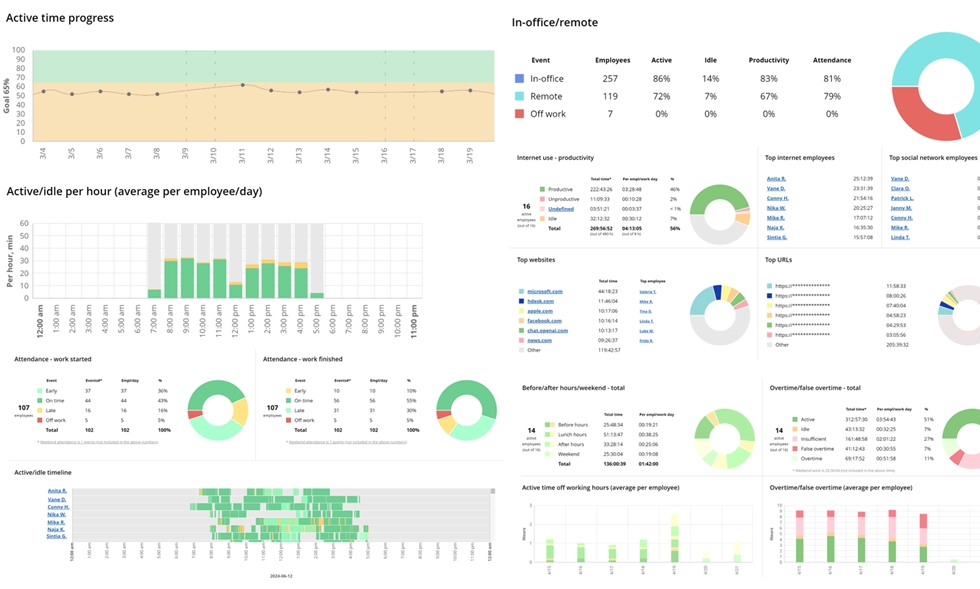

Explore 80+ WorkTime reports designed to evaluate and improve productivity. Get transparent, actionable insights without capturing private content.
Start free trial- Automatic time tracking for active and idle time across the workday
- Productivity scoring based on app and website classification
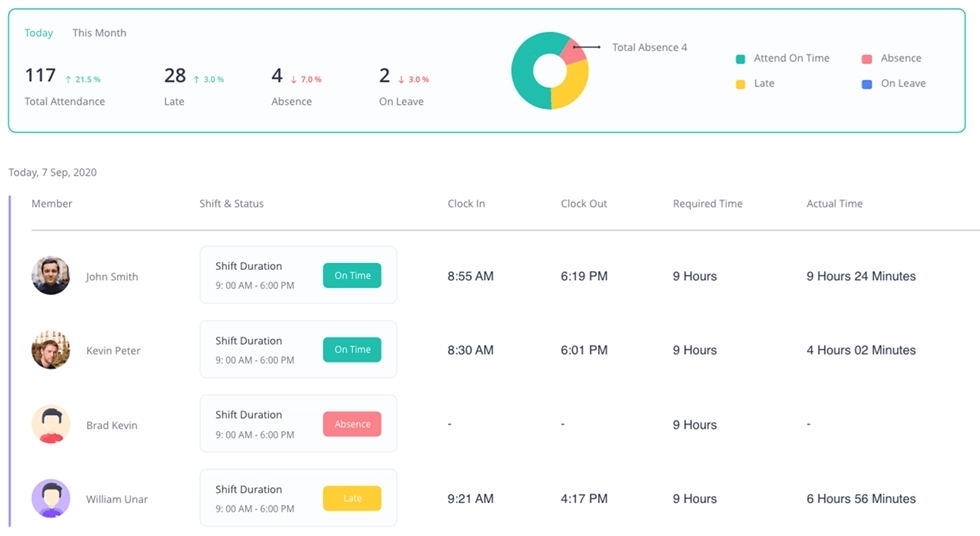
- Attendance management with login/logout tracking
- Remote employee monitoring with remote vs. in-office comparison (IP-based)
- Overtime and time fraud detection
- Burnout signs tracking and work-life balance indicators
- Distraction scores and personal productivity reports
- Leaderboards and goal setting for attendance, active time, and productivity
- Shift scheduling on all plans.


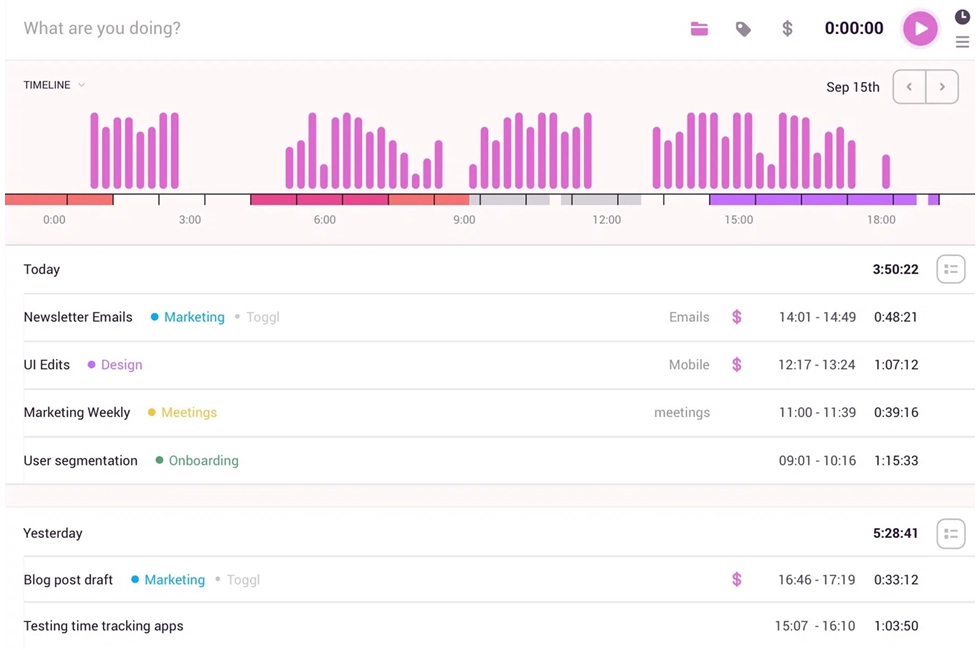
2. Toggl Track: Best for freelancers and client billing
Toggl Track is a lightweight time tracking tool built around one-click timers, billable hours, and clean reporting. There's no employee monitoring, no screenshots, and no surveillance features. It's built to track time spent on billable work and generate invoices. Key features:- One-click timers across browser, desktop, and mobile
- Billable projects with hourly rates and budgets
- Automated time entries from calendar integration
- Over 100 integrations with project management tools
- Detailed reporting with filters by client, project, and team
- Billable vs. non-billable hour separation.
3. Clockify: Best free time tracker for unlimited users
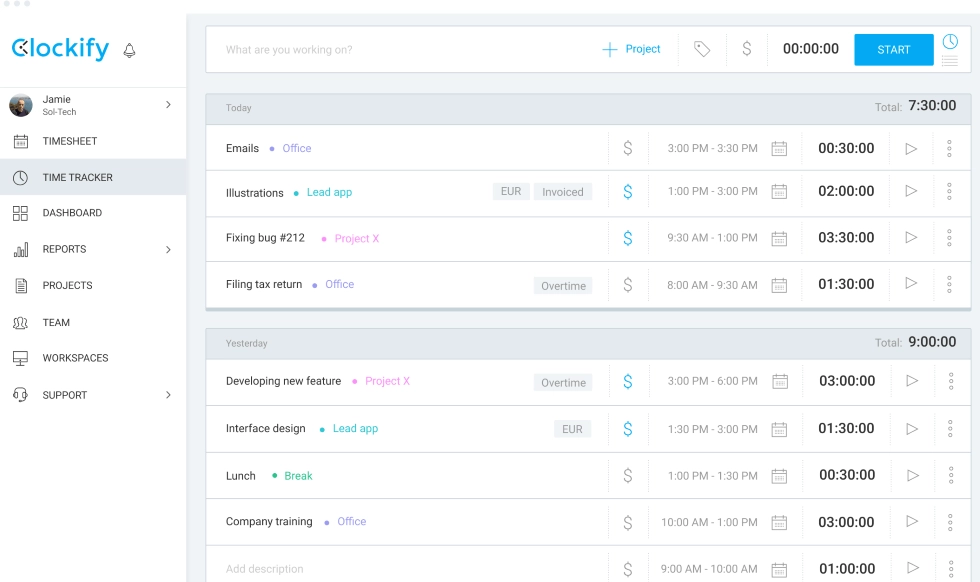
Clockify supports any number of users and unlimited projects on its no-cost tier with no expiration. For growing teams testing time tracking software for the first time, it's the lowest-risk option available. Key features:- Unlimited users and projects at no cost
- Manual time entry and timer-based tracking
- Timesheet views and approval workflows (on upgrades)
- Project and task management capabilities
- Hourly rates and project billing
- 80+ integrations with project management tools
- Detailed reporting with CSV and PDF exports.
4. ActivTrak: Best for workforce analytics
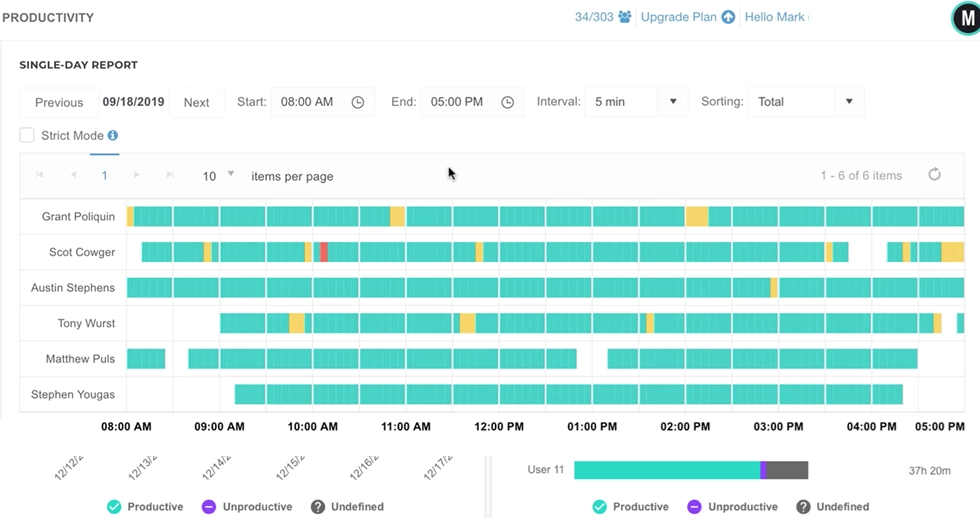
ActivTrak goes beyond time tracking. It scores team performance, flags burnout risk, and offers AI-powered coaching based on work patterns. It's a workforce management platform that provides deeper productivity insights than DeskTime's basic productive/unproductive classifications. Key features:- App and website tracking with productivity scoring
- Workload balance and burnout analysis
- AI-driven virtual coach
- Idle detection
- Productivity trends over time
- Team management dashboards with resource allocation data.
5. Hubstaff: Best for GPS and field teams
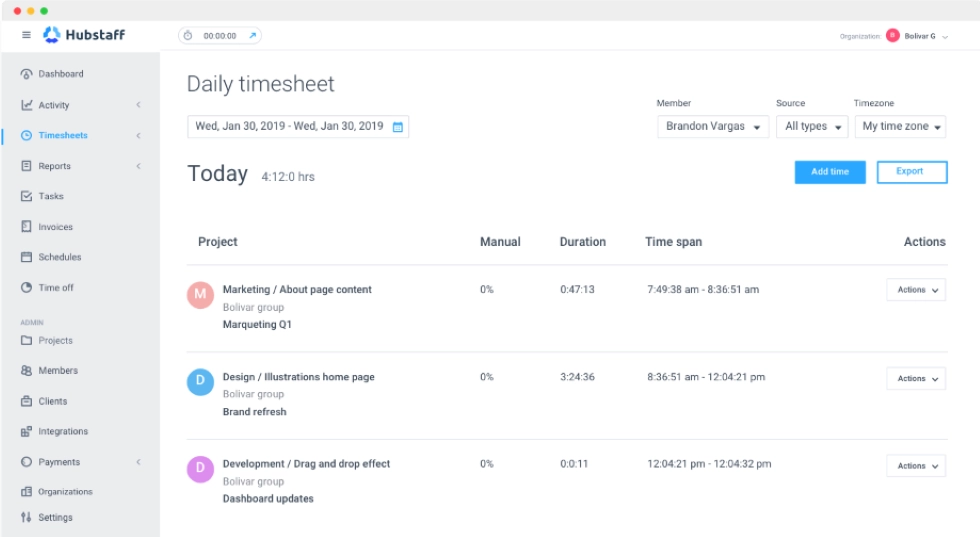
Hubstaff pairs time tracking with location tracking, geofencing, and built-in payroll. For field workers, delivery drivers, or service workers at geofenced job sites, it covers attendance tracking and real-time tracking of location alongside work hours. Key features:- Time tracking with app tracking and monitoring
- Location monitoring and geofencing
- Screenshot capture at configurable intervals
- Built-in payroll to pay employees based on tracked hours
- Project and task management
- Expense tracking
- Detailed reporting by team, project, and date.
6. Time Doctor: Best for BPO and outsourcing operations
Time Doctor is a workforce management platform with strong time tracking, productivity analytics, and features for distributed teams. It offers both interactive tracking (employees start/stop) and automatic modes. Key features:- Interactive and automatic time tracking
- App usage and website monitoring with productivity scoring
- Optional screenshots with privacy blurring
- Benchmarks AI for comparing performance across roles
- Meeting Insights for analyzing time spent in meetings
- Attendance tracking
- Payroll integration
- Work-life balance indicators.
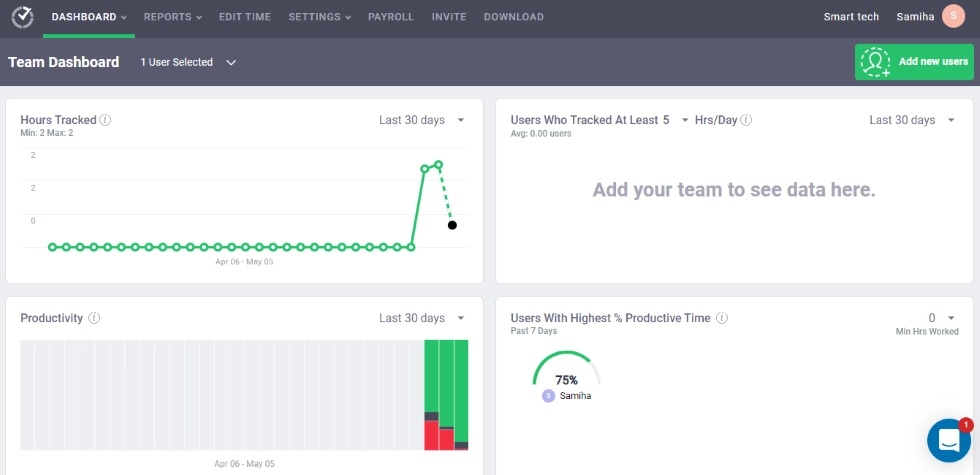
7. Insightful: Best for hybrid team optimization
Insightful focuses on performance monitoring for hybrid teams with a clean interface. It holds the #1 spot on G2 for ease of use in its category. Its Activity Verification feature detects fake productivity patterns, such as mouse jiggler activity. Key features:- Automatic time tracking and manual time entry options
- App usage and website activity tracking
- Screen capture and recording
- Productivity analysis with team and individual dashboards
- Activity Verification for detecting fake activity
- Progress dashboards and project progress reports
- Real-time tracking dashboards.
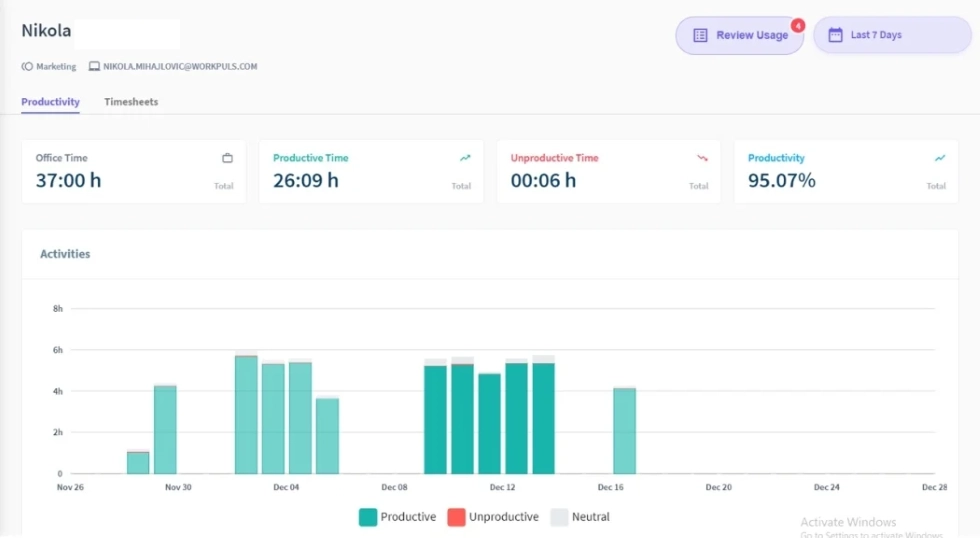
8. TimeCamp: Best for automatic project time allocation
TimeCamp uses a keyword-based system to automatically assign time entries to projects without manual entry. For agencies juggling several projects, this closes the gap between tracked hours and accurate billing. Key features:- AI-powered time tracking that auto-assigns entries to projects
- Keyword-based automatic tracking for project allocation
- Project billing with hourly rates
- Attendance management
- Time entries with manual override
- Calendar integration with Google and Outlook
- Invoicing and billing tools.
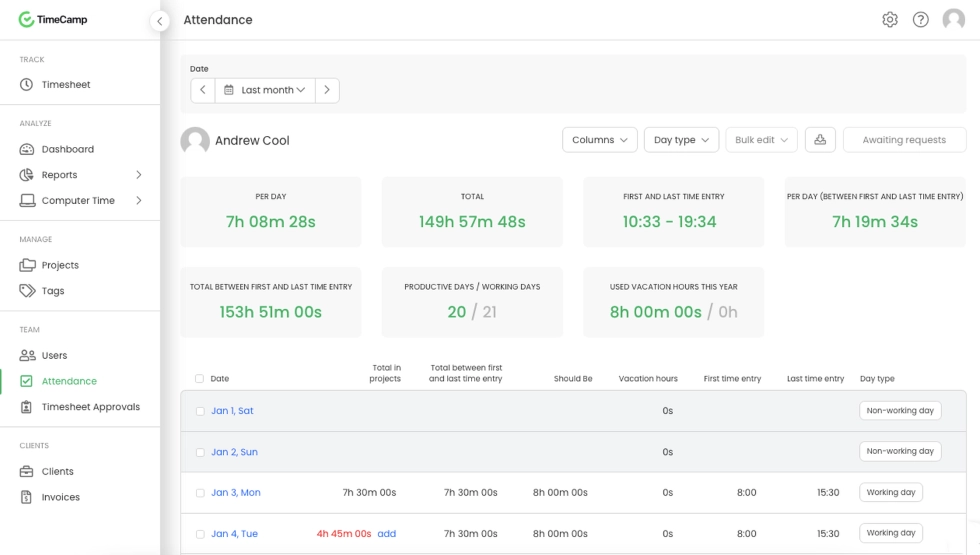
9. Monitask: Best for budget-friendly employee monitoring
Monitask provides monitoring at a competitive price point. It takes screenshots, tracks app usage, and reports on employee work hours without the complexity of enterprise platforms. Key features:- Random or scheduled screenshots
- App and website tracking
- Time tracking with task management capabilities
- Idle detection
- Transparent monitoring (employees can view their own screenshots)
- Reports for remote employees and remote teams.
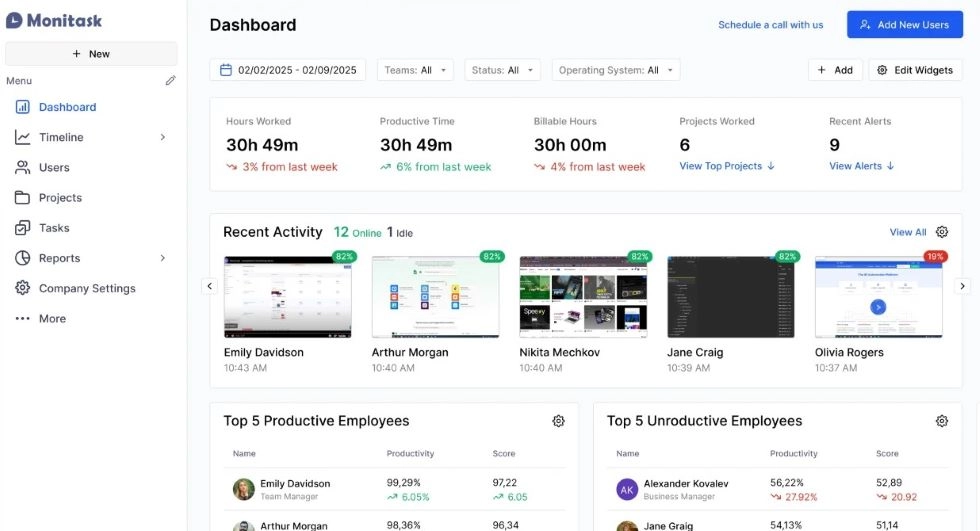
10. Apploye: Best for small teams with built-in invoicing
Apploye bundles time tracking, monitoring, and invoicing into a single platform. For teams that need to track time, create tasks, and bill clients from one tool, it covers more ground than DeskTime at a lower price. Key features:- Auto and manual time logging
- Screenshots and activity tracking
- GPS tracking for field workers
- Project management with the ability to create tasks
- Client invoicing from logged time
- Schedule management and employee availability management
- Attendance tracking and payroll documentation
- Personal productivity dashboards and work patterns analysis.
DeskTime alternatives comparison table
| Tool | Best for | Starting price | Free tier | Auto tracking | Screenshots | GPS |
|---|---|---|---|---|---|---|
|
WorkTime |
Non-invasive monitoring, in-depth productivity analytics |
$6.99/user/mo |
Yes (3 users) |
 |
No (screen analysis) |
No (IP-based) |
|
Toggl Track |
Client billing |
Free / $10/user/mo |
Yes (5 users) |
 |
|
|
|
Clockify |
Free tracking |
Free / $3.99/user/mo |
Yes (unlimited) |
Upgrades only |
|
Upgrades |
|
ActivTrak |
Workforce analytics |
Free / $10/user/mo |
Yes (3 users) |
|
Add-on |
|
|
Hubstaff |
GPS and field teams |
$7/user/mo |
|
|
|
|
|
Time Doctor |
BPO/outsourcing |
$8/user/mo |
|
|
Optional |
|
|
Insightful |
Hybrid teams |
$8/user/mo |
|
|
|
|
|
TimeCamp |
Auto project allocation |
Free / $3.99/user/mo |
Yes (unlimited) |
|
Upgrades |
|
|
Monitask |
Budget monitoring |
$7.99/user/mo |
|
|
|
|
|
Apploye |
Small team invoicing |
Free / $7/user/mo |
Yes (10 users) |
|
|
|
Final thoughts
DeskTime does the basics of automatic tracking well, but its idle-detection issues, discontinued free tier, and limited integrations push many teams toward DeskTime alternatives. The right replacement depends on whether you need time-tracking software for billing, a workforce management platform, or a tracking app to monitor performance. If you want to track time and monitor productivity without screenshots or invasive data collection, WorkTime provides reliable time records, attendance management, and compliance-ready reporting in a single lightweight package. Start a free 14-day trial at worktime.com.