
TL;DR
- How to prevent notification privacy risks? 60-second checklist.
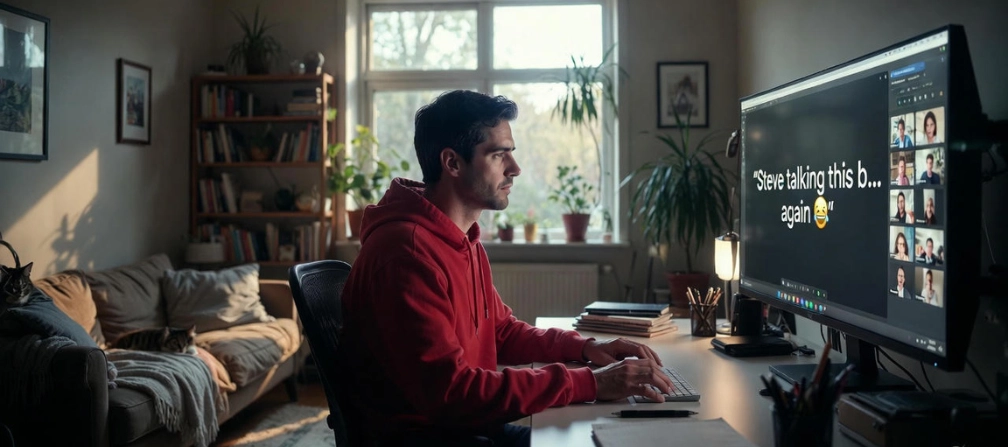
- Notification previews can reveal job offers, HR updates, client names, and private chats during calls.
- The highest-risk moment is screen sharing + recorded meetings.
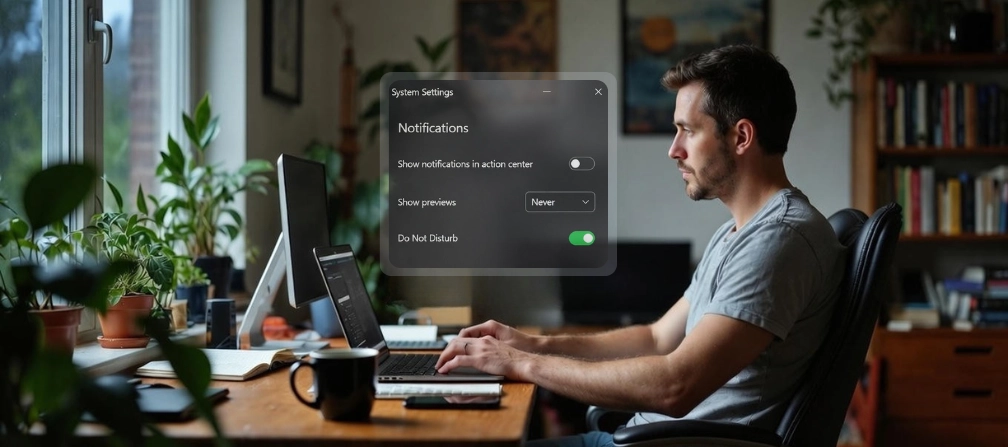
- Hide message previews, use Do Not Disturb, and share a single window, not your desktop.
- A 60-second settings check prevents most accidental exposure.
In this article
One unexpected pop-up is all it takes to reveal private conversations, sensitive projects, or personal details. What other risks are hiding in your notifications, and how can you avoid them? Keep reading; we’re diving in.
This article is brought to you by WorkTime, a non-invasive productivity monitoring solution that respects boundaries and keeps private information private.
It was just a notification - until you lose your job
It only takes one pop-up notification at work to make your heart skip a bit. And it happens more often than you’d think. A Reddit user’s real-life experience reveals how quickly remote work privacy can fail. Imagine accepting a new job but not yet telling your current employer. That was her reality. During a meeting, she opened Gmail to show something and didn’t notice what was sitting at the top of her inbox. A subject line that read “Job offer - thank you for accepting!” flashed on screen. Her team lead saw it. So did the CEO. She clicked away fast, but you know how it goes: once people see it, they can’t unsee it. Later, she admitted how real the career risk from notification felt in that moment. No one spoke up, but the damage was done. A single pop-up had revealed her secret in an instant. Read about more remote-work privacy failures in our full guide.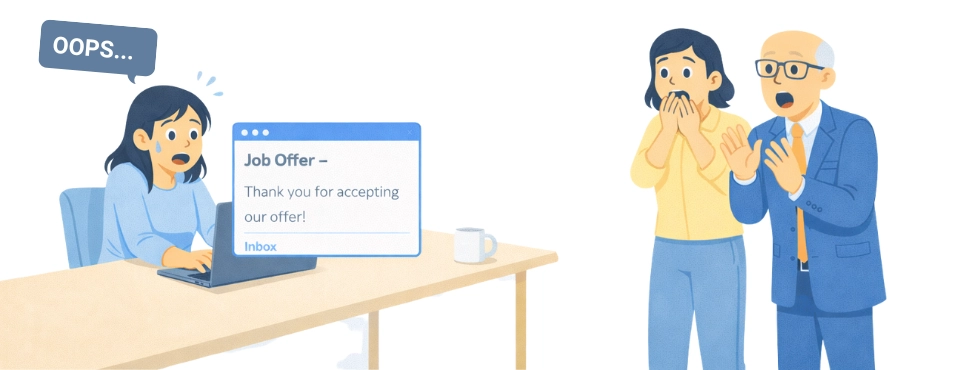
What else can happen?
These are the kinds of previews that cause instant awkward silence:- Gmail subject line: “Job offer - please confirm start date.”
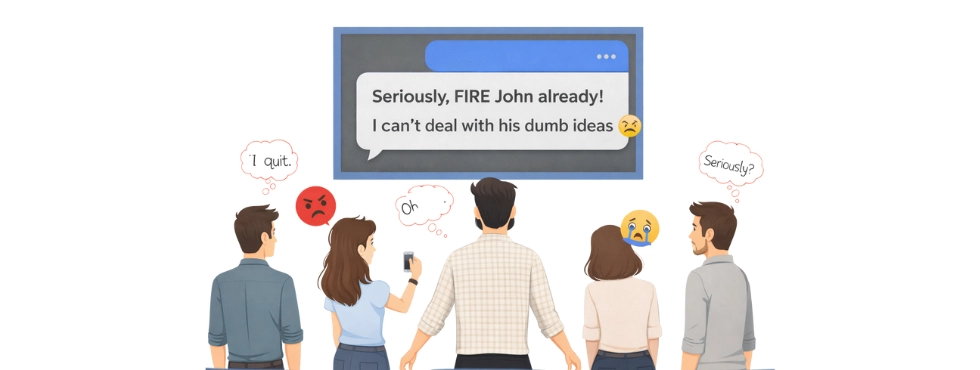
- Slack/Teams: “Do we really trust him with this?”
- Calendar alert: “Layoffs planning - finance review.”
- Bank push notification: “Payment received: $4,850.”
- Awkward tension in meetings. Everyone notices, even if they don’t comment.
- Instant credibility damage. Minor mistakes can make others doubt your professionalism.
- Trust issues. A preview like “Can’t believe our client is paying for this” or “Did you tell HR yet?” can look bad even without context.
- Unplanned HR attention. Private info can spark formal follow-ups.
- Policy/NDAs. A pop-up showing “Client_SOW_Final.pdf” or “Acquisition - draft terms” is enough to trigger questions.
- Message previews that ruin careers. Even a momentary slip can leave a lasting impression.
- Disrupted meetings lead to focus shifts;
- Team uncertainty or gossip that affects morale;
- Message preview exposure may erode trust;
- Sensitive information leaks can escalate into potential legal or compliance concerns.
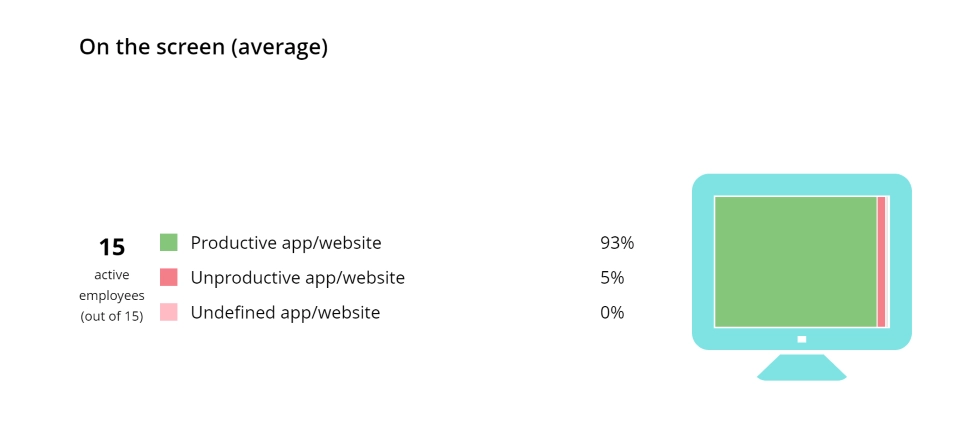

WorkTime gives you a clear view of employee screen productivity in a GDPR-compliant and non-invasive manner.
Start free trialWhat pop-up notifications can expose at work
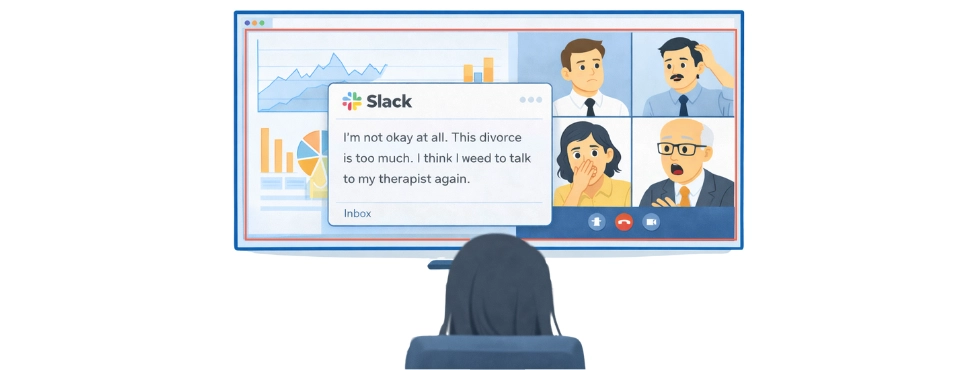
Pop-up notifications may seem harmless, but they can expose more than you expect. Message previews often reveal private information to anyone glancing at your screen. Imagine this: you’re in a meeting, sharing your screen, or just step away for a minute, and suddenly a message pops up. Who sees it? What confidential data leaks at work without you even knowing?- Client & deal info. An email subject or notification can reveal who you’re working with and how a project or deal is progressing. One glance is often enough for sensitive information exposure.
- Personal conversations. Family updates, health matters, or financial discussions may appear in previews. This information revealed by pop-ups may contain details that you didn’t intend to share.
- Project & strategy info. Project codes, launch plans, or internal initiatives can slip out via notifications, creating confidential data leaks at work.
- HR & career updates. Performance reviews, salary discussions, or job offers are among the most common message preview privacy risks.
- AI tool summaries. Some AI snippets can unintentionally expose confidential details. It often results in notification data leaks.
- Calendar alerts. Even a meeting title can reveal plans, strategies, or timelines.
How to prevent notification privacy risks? 60-second checklist
Next time you join a meeting or share your screen, don’t let a pop-up turn into a privacy disaster. Think of this as your “notification hygiene” checklist - quick steps to keep your private information safe.- ☐ Turn on Do Not Disturb/Focus mode before meetings;
- ☐ Set message previews to “Never” or “When unlocked”;
- ☐ During screen sharing, share one window, not the full desktop;
- ☐ Close or mute Gmail + Slack/Teams + personal messengers;
- ☐ If the meeting is recorded, assume anything on screen could be replayed;
- ☐ Use a “meeting-safe” desktop profile (work-only apps).
Stay productive & privacy risk-free - with WorkTime
Notifications and message previews can reveal far more than intended, creating unnecessary stress and potential career risks. A quick check before meetings, managing alerts, and practicing notification hygiene can prevent most issues. Our team genuinely hopes you never find yourself in a situation like this. From our side, we guarantee that WorkTime keeps your monitoring transparent and non-intrusive. With privacy-safe productivity tools like WorkTime, you can focus on work without worrying about accidental leaks.Try WorkTime now!