


TL;DR
- Time Doctor combines time tracking with work activity reports. Task, project, and client tracking support billable-hour workflows, while reports show app usage and activity levels.
- Screenshots are available on the entry plan. Video screen recording is included in Premium and available as a paid add-on to Basic and Standard. Availability does not mean every team uses every capture feature.
- Pricing depends on the required features and billing period. Basic starts at $8 per user per month, or $6.67 with annual billing. Standard adds payroll and integrations; Premium includes video screen recording and AI insights, which are also available as add-ons to lower plans.
- Reviews need context. Product reviews, user ratings, and individual comments answer different questions. A rating alone does not establish how the software will perform in your workplace.
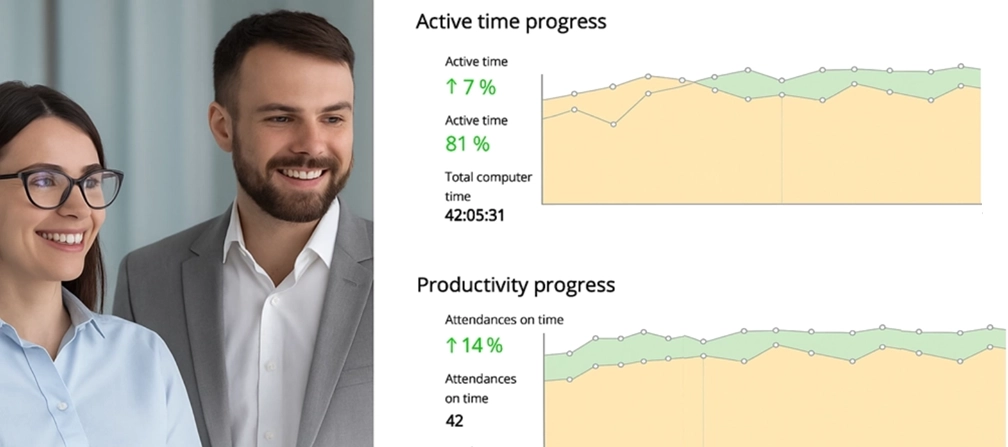
- WorkTime offers a different monitoring approach. It provides in-depth productivity analytics, attendance, and app-usage monitoring without screenshots, screen recording, keystroke content, or email and chat capture.
In this article
The article is presented by WorkTime, an employee monitoring software that combines detailed performance analytics with a non-invasive approach to employee privacy.
What is Time Doctor?
Time Doctor is employee time-tracking and productivity-monitoring software built for remote teams, agencies, and outsourcing firms that need task-level time data and billable-hour tracking. It runs in the cloud with desktop, browser, and mobile apps. Its center of gravity is time tracking. Time Doctor measures time against tasks, projects, and clients, with payroll and timesheet features that connect those hours to administrative work. Screenshots and activity reports add context to tracked time. This differs from a data loss prevention platform, whose purpose includes detecting unauthorized movement of sensitive information.What Time Doctor monitors
Time Doctor captures time, computer activity, and screen content. These data types serve different purposes: task time shows where hours were assigned, activity levels show keyboard and mouse use, and screenshots show on-screen content at particular moments.| Capability | What it captures or provides | Availability in the September 2026 review |
|---|---|---|
|
Time tracking |
Time by task, project, and client, down to the second, with an offline mode that syncs later |
All plans |
|
Screenshots |
Screenshots at set intervals, with configurable frequency |
All plans |
|
Activity levels |
Keyboard and mouse activity as a percentage, plus idle detection |
Core monitoring |
|
Website and app usage |
Sites visited and applications used, with time spent |
Standard and above |
|
Video screen recording |
Replayable video of on-screen activity |
Included in Premium; paid add-on to Basic and Standard |
|
Work-life-balance metrics |
Reports that help identify patterns of overwork |
Standard and above |
|
Payroll and timesheets |
Payroll functions and timesheet exports |
Standard and above |
Time Doctor pricing in 2026
Time Doctor's Basic plan starts at $6.67 per user per month with annual billing, or $8 with monthly billing. There is no free plan. The following prices were checked against Time Doctor's official pricing page on September 23, 2026.| Plan | Monthly billing, per user/month | Annual billing, per user/month | What it adds |
|---|---|---|---|
|
Basic |
$8 |
$6.67 |
Time tracking, projects and tasks, screenshots, offline tracking |
|
Standard |
$14 |
$11.67 |
Web and app usage reports, attendance, payroll, work-life-balance metrics, 60+ integrations, upgraded support |
|
Premium |
$20 |
$16.70 |
Video screen recording, AI benchmarks, and insights |
|
Enterprise |
Custom quote |
Custom quote |
Private cloud and custom dashboards |
Time Doctor pros and cons
Time Doctor's strengths center on detailed time tracking and the workflows around it. Its limitations concern specific features, support channels, and the amount of information collected. Pros:- Detailed time tracking against tasks, projects, and clients, with an offline mode that syncs on reconnect.
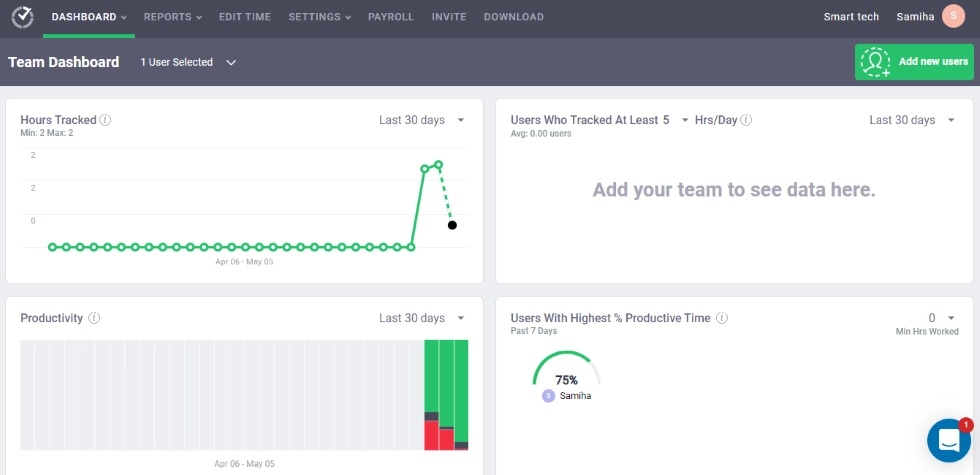
- Workforce reporting that combines tracked time, activity levels, website and app usage, and work-life-balance metrics.
- Payroll and 60+ integrations on Standard, connecting time data with other work systems.
- Configurable monitoring, including screenshot frequency and settings at user, team, and company levels, as described by Business.com.
- Screen capture requires a clear scope. Screenshots collect on-screen content as well as activity data. Teams should decide whether they need that content and explain the monitoring to employees.
- Plan and add-on costs need checking. Payroll and integrations start at Standard. Video recording and AI benchmarks are included in Premium or available as paid add-ons to lower plans.
- No GPS tracking, according to Business.com's review. Desktop activity reports do not meet a requirement for field-worker location tracking.
- No phone support, also noted by Business.com. Support-channel requirements belong in the buying assessment alongside features.
Time Doctor ratings and user feedback
Time Doctor receives both positive assessments and critical feedback. Business.com highlights its tracking, reporting, and configurable settings; People Managing People covers the breadth of its time-management features. User-review sites add accounts of individual experiences with the software. The September 2026 research captured a Trustpilot score of 1.3 out of 5 across 234 reviews. That is a historical result for one platform, not a measure of all customers or a finding about a specific feature. G2 and Capterra provide separate review collections. Each platform reflects its own review sample and collection process. In a Reddit discussion about Time Doctor, some participants raise concerns about screenshots and activity tracking. Those comments describe personal reactions, not an outcome every team should expect. They do point to a useful rollout question: do employees understand what is collected and how managers will use it? When reading reviews, look for the reviewer's task, plan, device, and monitoring setup. An account of client billing, for example, addresses a different need from an employee's account of screenshot capture.Time Doctor's monitoring and privacy considerations
Time Doctor includes screenshots, activity tracking, and optional video screen recording. The relevant question is which data your organization needs for its stated purpose. Tracking time against a client project and retaining images of an employee's screen are different requirements. Before deployment, define the monitoring scope, who can access the reports, and how employees will be informed. Include the people who use the tool in the rollout: explain how managers will interpret activity percentages and how work away from the keyboard will be handled.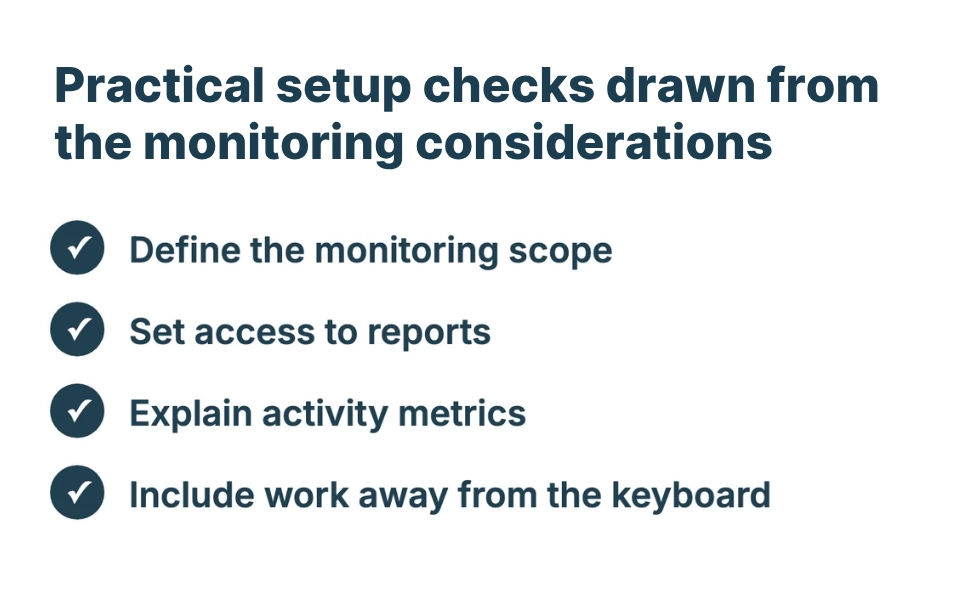
Time Doctor's intended uses and scope
Time Doctor is designed around remote work, task tracking, and billable-hour workflows. Agencies and outsourcing firms are among the audiences for its project and client tracking, payroll functions, and timesheet exports. The requirements to define are:- Time allocation: Do you need hours assigned to specific tasks, projects, and clients?
- Administration: Do payroll, invoicing, or integrations depend on that time data?
- Monitoring detail: Do you need screen content, or are activity and productivity reports the goal?
- Devices and support: Does the workflow require GPS tracking or phone support, which the cited review says Time Doctor lacks?
A non-invasive alternative to Time Doctor
For teams seeking productivity and remote-work visibility without screen capture, WorkTime offers non-invasive employee monitoring with in-depth productivity analytics. It monitors productivity scores, active and idle time, attendance, app and website usage, distraction levels, and burnout signs.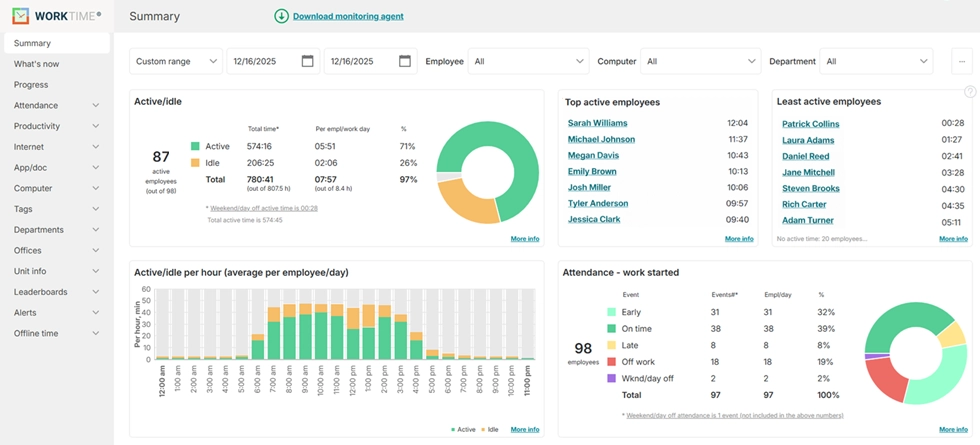
| Dimension | Time Doctor | WorkTime |
|---|---|---|
|
Main focus |
Task, project, and client time tracking, with activity monitoring |
Non-invasive employee monitoring and in-depth performance analytics |
|
Screen content |
Interval screenshots; video included in Premium or available as an add-on |
No screenshots or screen recording |
|
Payroll and billing |
Payroll and time-based administrative workflows |
Does not replace a project-billing or payroll system |
|
Free plan |
No free plan in the September 2026 review |
Free plan for up to 3 employees, with basic monitoring and 2 weeks of history |
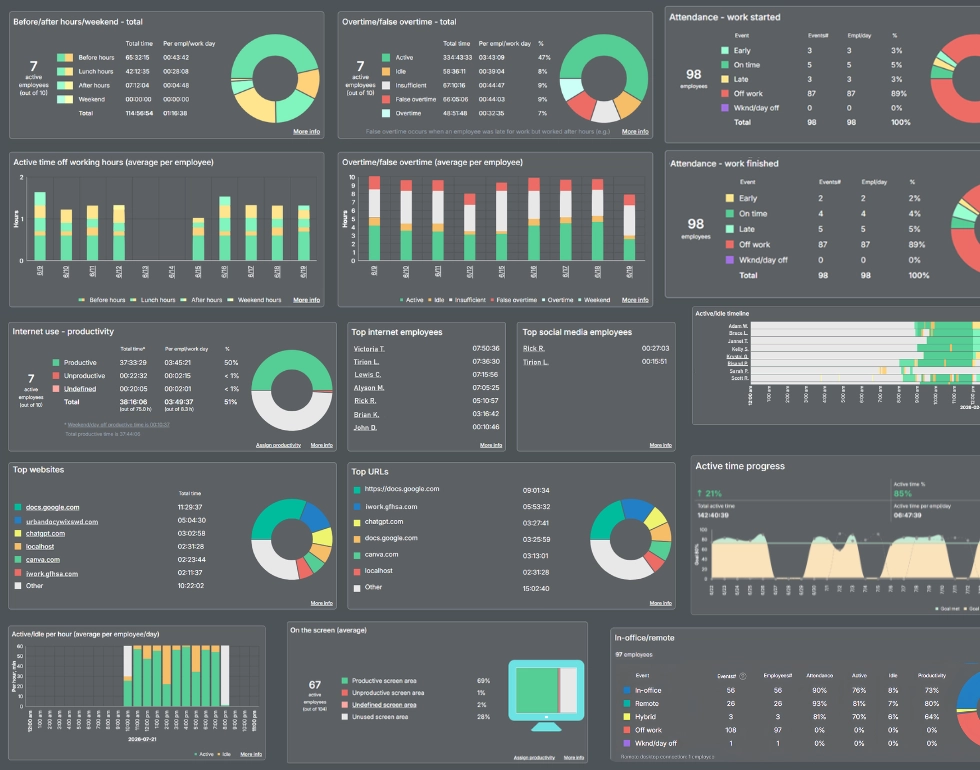

Turn workforce activity into actionable insights with 80+ WorkTime reports for performance analytics across office and remote teams.
Start free trialFinal assessment
Time Doctor brings detailed task and project tracking together with activity reports, screenshots, payroll, and integrations. Its feature ladder is clear enough to assess against a specific workflow: Basic covers time tracking and screenshots, Standard expands reporting and administration, and Premium includes video recording and AI insights. Paid add-ons also make some advanced features available on lower plans. Screen capture, support channels, and the way activity reports are interpreted deserve attention during evaluation. WorkTime offers a different approach for organizations whose goal is in-depth productivity analytics and transparent monitoring without screen or message capture. It provides attendance, app-usage, and remote-work visibility while keeping screenshots, screen recording, and keystroke content outside its monitoring model. To explore that approach, try WorkTime free for 14 days, with no credit card required.