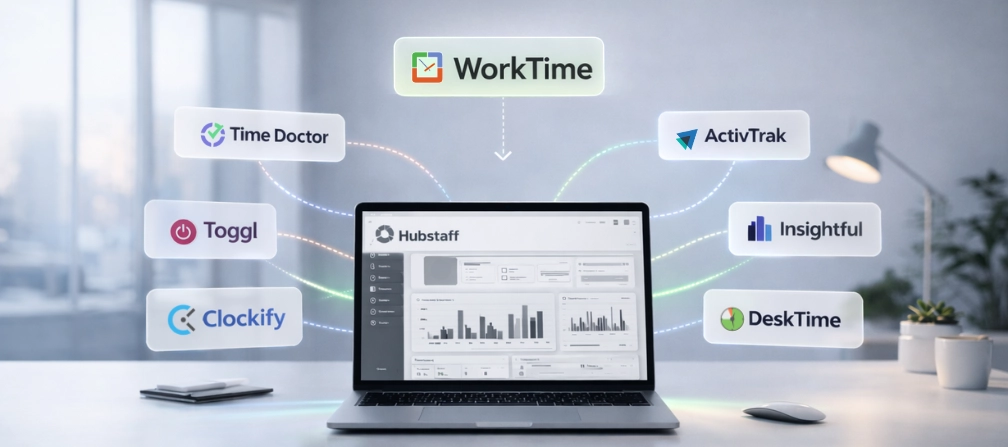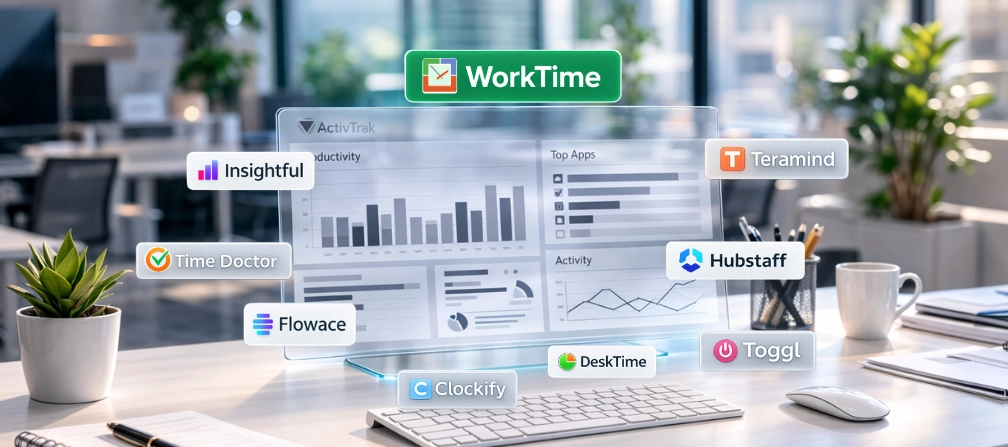

TL;DR
- ActivTrak's true cost is higher than advertised. The base plan starts at $10 per user month, but screenshots, full URL access, API access, and extended data history are paid add-ons that push costs past $19 per user month.
- Most ActivTrak alternatives are more invasive, not less. Tools like Teramind and Hubstaff add screen recording and content capture. WorkTime is the only alternative built entirely around non-invasive monitoring.
- Billing flexibility matters. ActivTrak requires annual contracts with a 5-user minimum. Several alternatives offer monthly billing and lower minimums to optimize workflows and control costs.
- Compliance-first monitoring saves time. If you work in healthcare, finance, or government, look for built-in HIPAA-safe modes rather than tools that require manual configuration.
In this article
Top 10 ActivTrak alternatives for monitoring
1. WorkTime
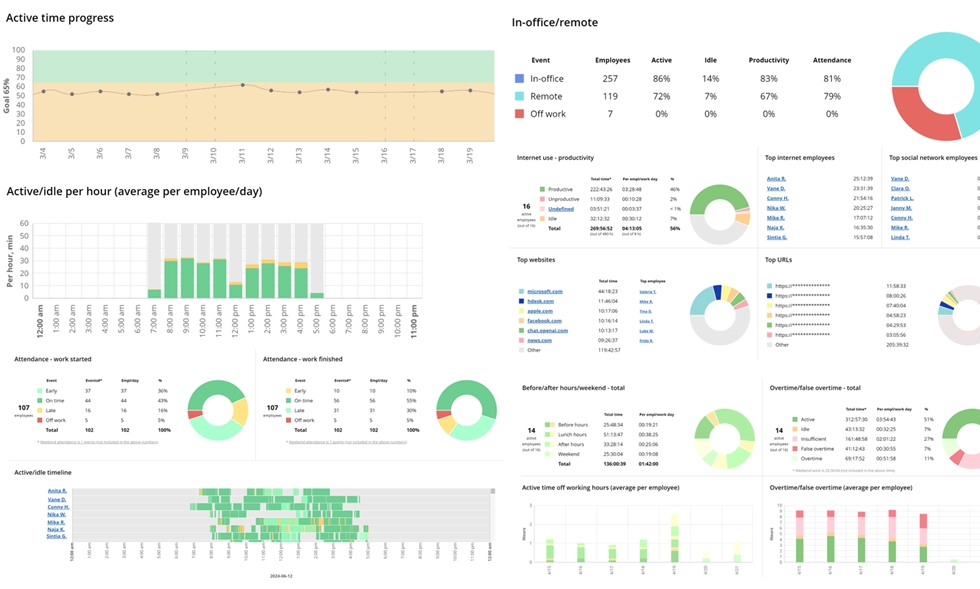
Best for: Non-invasive employee monitoring, remote teams, and regulated industries.WorkTime is a non-invasive employee monitoring solution with 25+ years of industry experience, trusted by organizations to improve productivity while maintaining transparency.WorkTime is the only employee monitoring software on this list built entirely around non-invasive tracking. There are no screenshots, no keystroke logging, no video recording, and no content capture at any plan level. Instead, it uses productivity scores and data-driven metrics to measure employee productivity without capturing personal information. Key features:
- Productivity monitoring with AI-powered scoring for apps and websites;
- Attendance monitoring with login/logout and idle time tracking;
- Remote employee monitoring with IP-based location detection for remote employee comparison;
- Screen productivity analysis that replaces screenshots with percentages;
- Built-in HIPAA-safe and GDPR-safe modes;
- Burnout detection, distraction scoring, and job search monitoring;
- Cloud, on-premise, and private cloud deployment;
- 80+ detailed reporting dashboards covering team performance, app usage, and idle time.
Boost productivity up to 46% in 3 days!


2. Teramind
Best for: Insider threat detection, data loss prevention, and security teams. Teramind is a user activity monitoring platform built for security. It records video sessions, monitors email and messaging, tracks time across applications, and provides data loss prevention tools. It is the most feature-rich option here, but also the most invasive. Key features: User behavior analytics, video recording, keystroke logging, data loss prevention, insider threat detection, compliance enforcement, detailed reporting, and remote desktop control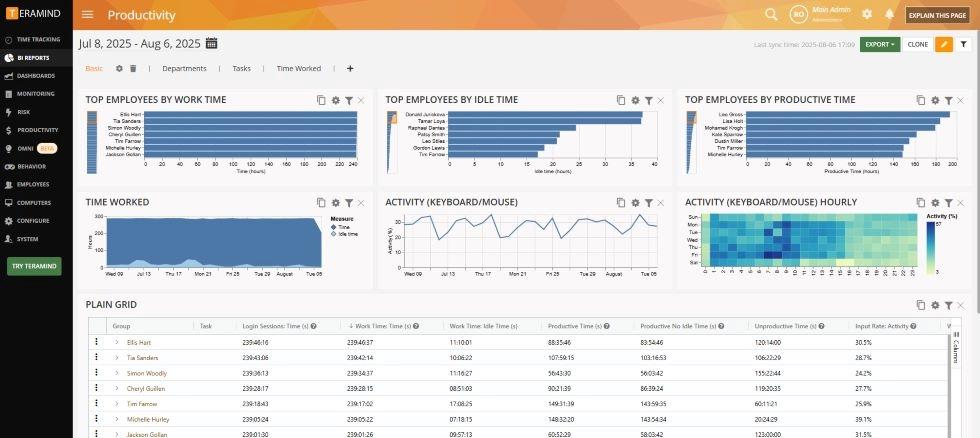
3. Time Doctor
Best for: Remote workforce management, precise time tracking with payroll. Time Doctor is time-tracking software designed for remote teams. It automatically tracks time, monitors app and website usage, and delivers detailed productivity insights through activity-level reports. Screenshots are configurable by role. Key features: Automatic time tracking with idle time detection, payroll integration, project management features, task assignment, invoicing, reporting, productivity management, and performance evaluation.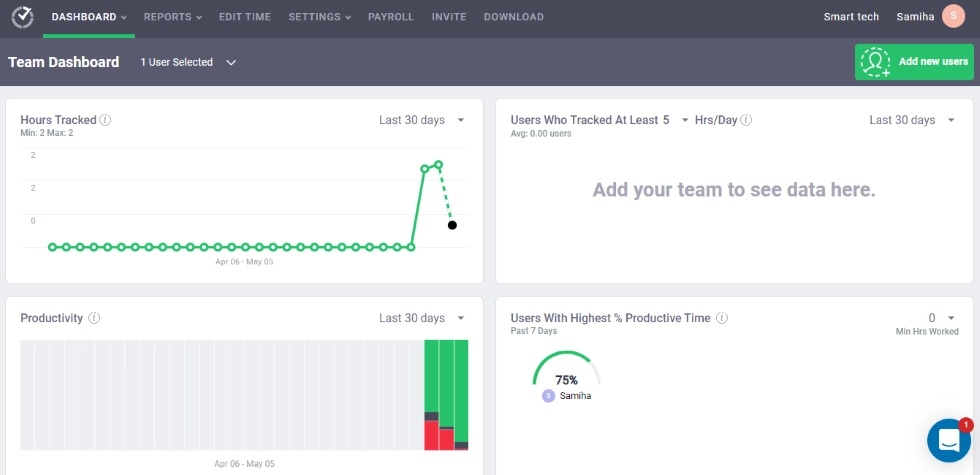
4. Hubstaff
Best for: Remote workforce management with GPS, project profitability, and field teams. Hubstaff combines time tracking with team management tools. It offers automated time tracking, GPS location monitoring, project management, payroll integration, and invoicing. It tracks time across projects for accurate billing and cost analysis. Key features: Automatic time tracking, screenshots, GPS tracking, shift scheduling, task management, resource management, payroll integration, project cost tracking, and team analytics.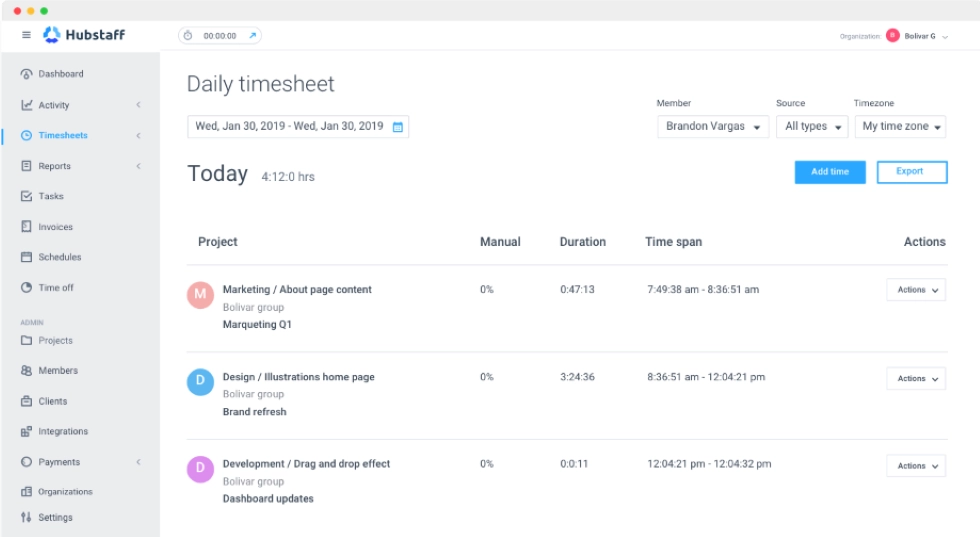
5. Insightful
Best for: Productivity analytics, productivity management for hybrid teams. Insightful is a workforce analytics platform focused on team performance and engagement. It provides automatic time tracking, real-time dashboards, and features that help managers understand employee performance across locations. It positions itself as privacy-aware. Key features: Automated time tracking, employee productivity, project management/task management, manual clock-ins, real-time employee monitoring dashboards, and actionable insights.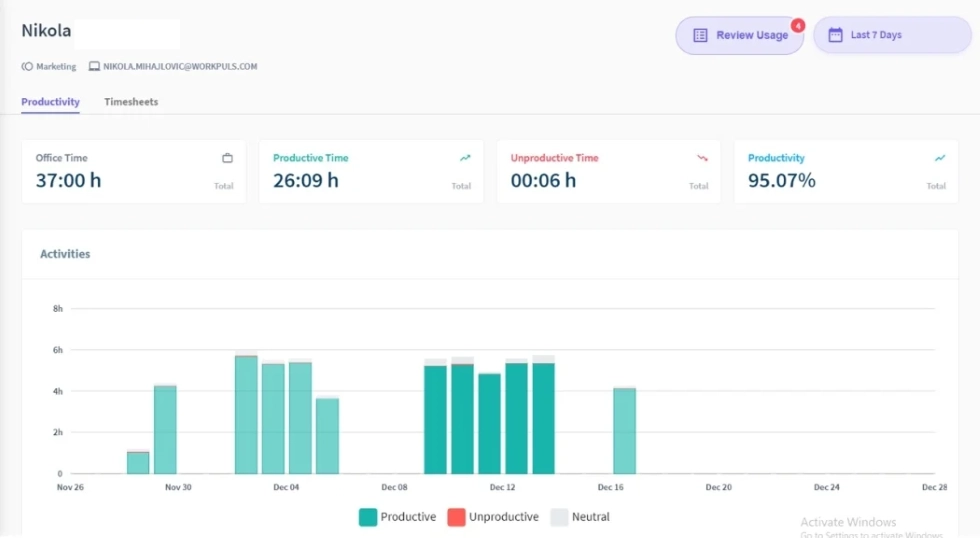
6. DeskTime
Best for: Background time tracking and productivity scoring for small teams. DeskTime is an automatic time-tracking software that categorizes apps, websites, and documents as productive, unproductive, or neutral. It provides a clear view of how work hours are spent and automatically tracks time in the background. It is a simple productivity tool that avoids the data overload of heavier platforms. Key features: Automatic time tracking, productivity scoring, project progress tracking, idle time detection, optional screenshots, website tracking, productivity trends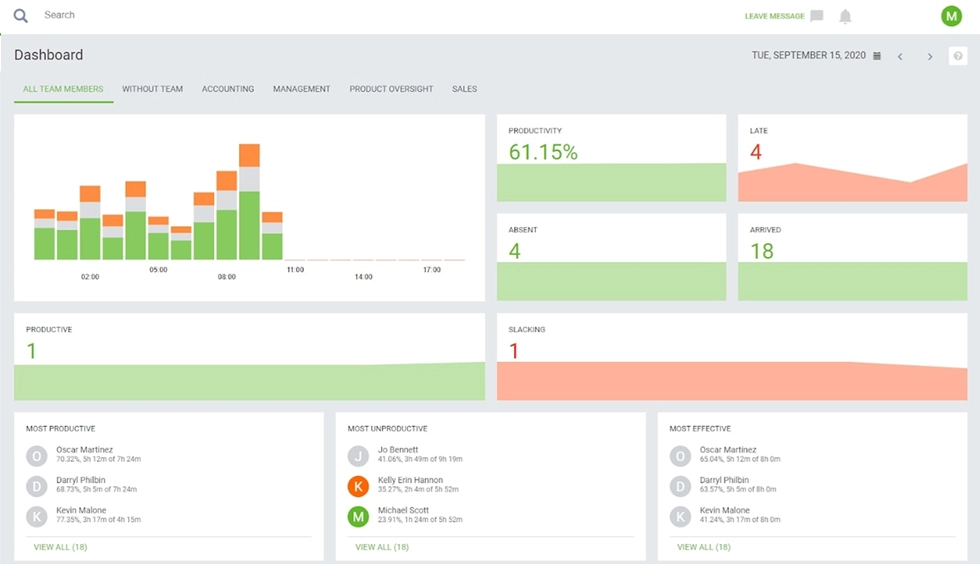
7. Clockify
Best for: Free plan with unlimited users, project management, and client billing. Clockify is a time tracking software with a generous free plan for unlimited users. It focuses on tracking hours, managing project progress, and creating accurate billing for client work. It is a project management tool for teams rather than a full employee monitoring solution. Key features: Manual and automatic time tracking, task assignment, invoicing, track billable hours, reporting, and productivity reports. Pricing: Unlimited users on the no-cost tier. Paid plans start at $4.99 per user per month. Monthly billing available.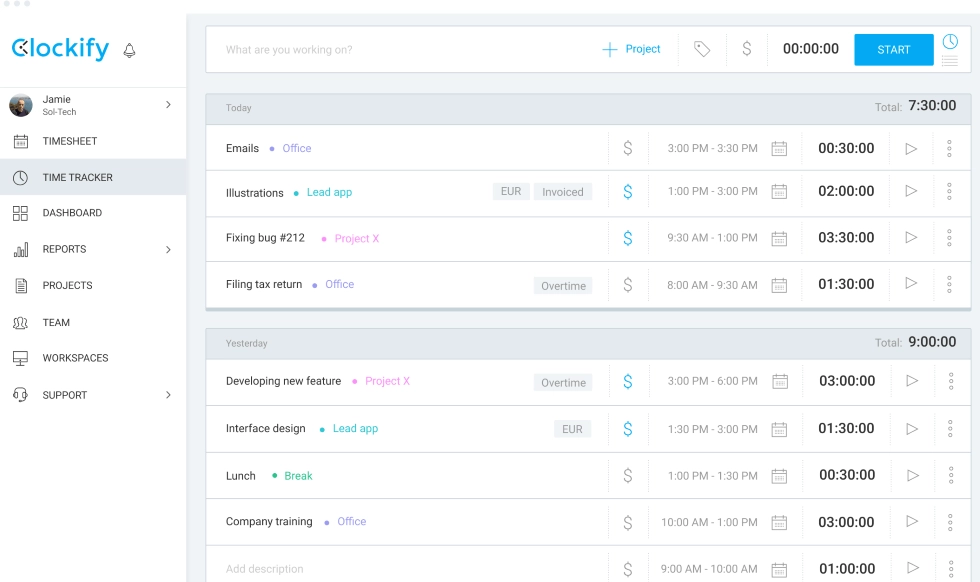
8. Toggl Track
Best for: Precise time tracking for creative teams and freelancers. Toggl Track is a time-tracking software built for simplicity. It tracks time with one-click timers, supports manual time entries, and provides clean productivity reports. The focus is on tracking hours for specific tasks and project billing, rather than on monitoring employee computer activity. Key features: Accurate time tracking, tracks time across devices, project costing, manual time entries, task management, timer-based logging, reporting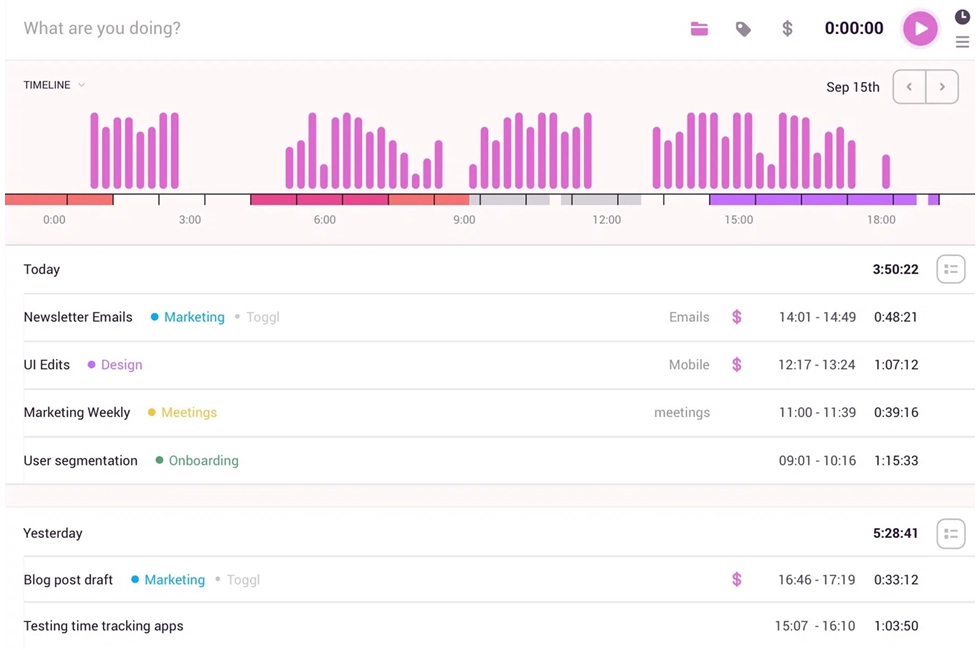
9. Monitask
Best for: Transparent employee monitoring for small remote teams. Monitask is a lightweight tracking tool where the employee starts and stops the timer. This makes it less invasive than always-on tools and helps boost productivity through accountability rather than surveillance. Key features: Employee-started time tracking, random screenshots, project tracking, idle time detection, website usage reports, productivity insights, and attendance monitoring.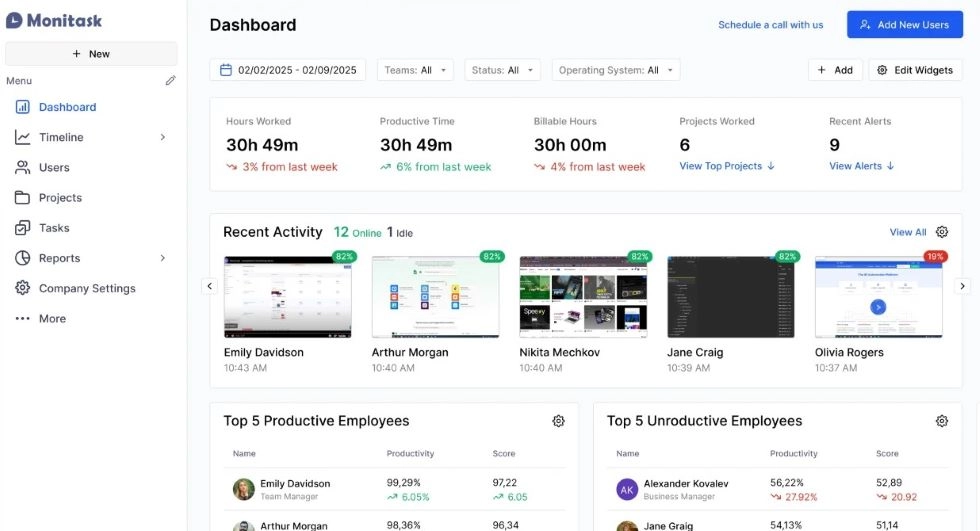
10. Flowace
Best for: AI-powered automated time tracking, budget-friendly employee productivity. Flowace uses AI to automate time tracking and measure employee productivity. It categorizes time spent on specific tasks, apps, and websites without requiring manual entries. The platform provides analytics and performance evaluation through visual dashboards. Key features: AI-powered time tracking, employee productivity, productivity analytics, app usage monitoring, reporting, resource management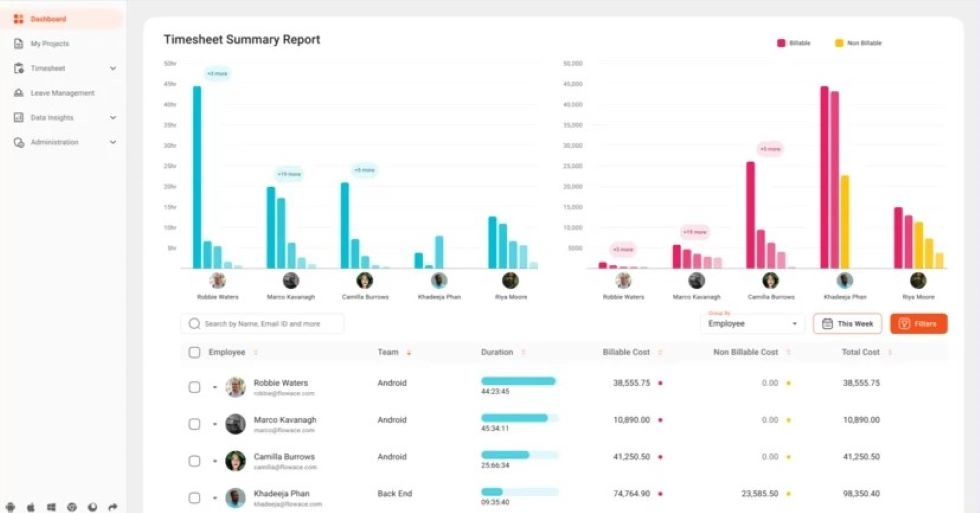
ActivTrak alternatives: quick comparison
| Tool | Starting price (per user month) | Monthly billing | Screenshots | Keystroke logging | On-premise |
|---|---|---|---|---|---|
|
WorkTime |
$6.99 |
 |
 |
|
|
|
Teramind |
$21 |
|
|
|
|
|
Time Doctor |
$8 |
|
|
|
|
|
Hubstaff |
$7 |
|
|
|
|
|
Insightful |
$8 |
|
|
|
|
|
DeskTime |
$7 |
|
Optional |
|
|
|
Clockify |
Free |
|
|
|
|
|
Toggl Track |
Free |
|
|
|
|
|
Monitask |
$7.99 |
|
|
|
|
|
Flowace |
$2.99 |
|
|
|
|
Why are teams switching from ActivTrak?
ActivTrak tracks time spent on apps, websites, and documents. It provides workforce analytics, productivity reports, and user activity monitoring. For many teams, it works well enough. But anyone searching for the best ActivTrak alternatives has likely run into three common pain points across Capterra, Trustpilot, and Software Advice.Pricing adds up fast
ActivTrak's Essentials plan is $10 per user per month (billed annually). But features like screenshots, full URL tracking, and website tracking require the Screen Details add-on for an extra $2/mo. Need API access? That is another $3/mo per user. Extended data history beyond 3 months costs $1/mo per user. Signature support adds $3/mo per user. A fully loaded ActivTrak setup runs $19 per user per month before you reach the Professional tier.Annual contracts with no monthly option
Every paid plan is billed annually with a 5-user minimum. For a small team, that is $600 upfront with no month-to-month flexibility. Multiple Trustpilot reviewers report difficulty canceling subscriptions. ActivTrak's own help center confirms that cancellation requires a request form submitted at least 30 days before renewal, and plan downgrades are only allowed at renewal.Data overload without clarity
ActivTrak collects extensive user behavior analytics. But several reviewers note that the time spent classifying apps, maintaining agents, and sifting through excessive data outweighs the value gained. If your goal is basic time tracking, employee monitoring, and attendance tracking, a lighter productivity tool may serve you better.The price difference adds up
For a 50-person team, that is over $2,400 per year in savings.Do you need screenshots to optimize workflows?
This is the question most “ActivTrak alternatives” articles avoid. The employee monitoring industry assumes screenshots are needed to track employee productivity. Research says otherwise. A 2025 study found that employees monitored with screenshot-based tools reported higher stress, reduced trust, and increased desire to quit. The monitoring damaged what it claimed to measure. WorkTime's approach replaces screenshots with screen productivity scores: a percentage-based analysis of what is on screen without capturing content. Clients report productivity improvements of up to 40%. The data confirms you do not need to see what is on the screen to optimize workflows and boost productivity. You just need to know whether the work hours are productive.Conclusion
ActivTrak is a capable platform, but the add-on pricing model, annual-only billing, and screenshot reliance create friction for many teams. The best ActivTrak alternatives depend on your priorities: security, time tracking, project management, or non-invasive employee monitoring. If you want employee monitoring that respects privacy, works in regulated industries, and costs less than ActivTrak with add-ons, WorkTime fills a gap no other tool covers. Start a free trial to see your team's productivity data without screenshots or content capture.Try WorkTime now!